 PayMyDine
Card / digital payments
Show the card or digital methods available for the configured provider and keep the selected method attached to the bill status.
Let guests order, pay and split their bill at the table.
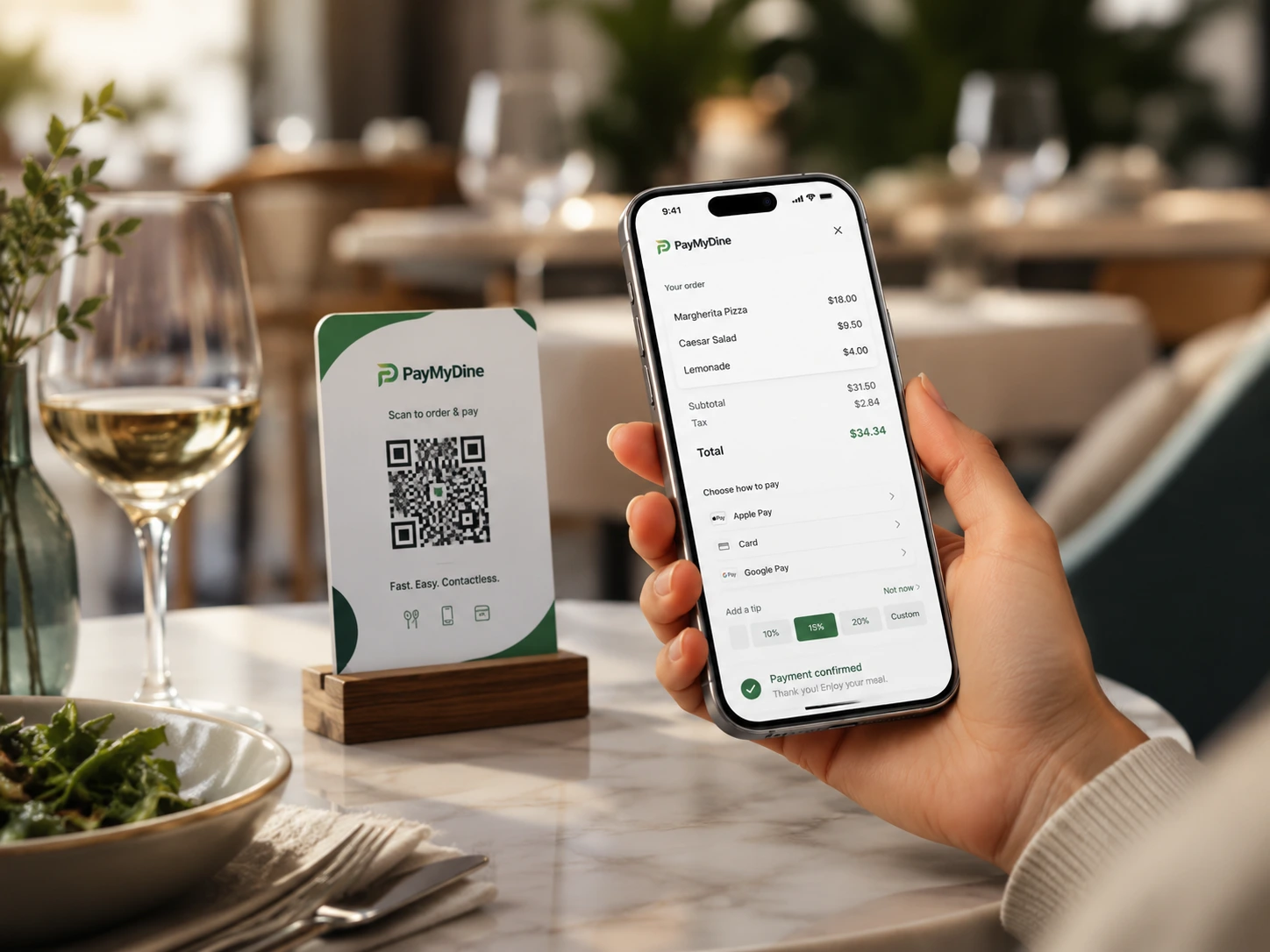
Show the card or digital methods available for the configured provider and keep the selected method attached to the bill status.
Open the correct bill from the table context and keep payment status visible to the service team.
Divide the total evenly across the selected number of payers.
Assign ordered items to individual payers while keeping the remaining balance visible.

Scan, browse, order and pay remain attached to the table and feed the responsible restaurant role at each step.
See the 5-step operating flow
Guests can pay as one party or split equally, by ordered item or by shares while the unpaid balance remains visible.
See the 5-step operating flowPayment options depend on your provider.
Card or digital payment, pay at table, three split methods, table QR, mobile menu and guest checkout form the current scope.
Guests can split equally, assign ordered items or divide the total by shares.
Guest, service staff, management and finance each need a different view of the same checkout.
Menu access, ordering, service context and payment should not restart as separate experiences.
Keep the table and bill linked.
A guest scans the table QR or enters the configured mobile menu and ordering experience.
Items, notes and the table context remain connected as the guest or team prepares for checkout.
The guest reviews the bill and selects the payment path available in the restaurant setup.
One payer can settle the table, or the group can split equally, by ordered item or by shares.
Completed, partial or unresolved payment context returns to the team and reporting workflow where supported.
Simple for guests; traceable for staff.
Browses, orders, requests service and pays through the configured table journey without learning the restaurant's internal systems.
Sees bill status, payment progress and whether the table still requires service or settlement attention.
Monitors incomplete payments, exceptions and the effect of checkout timing on table availability.
Reviews payment activity, method mix and reconciliation context available from the provider or POS connection.
Use the payment events your provider exposes.
Measure the interval between the guest or team starting checkout and confirmed completion.
Track completed checkout journeys against started journeys where the required events are available.
Understand how often guests use equal, item-based or share-based splitting during comparable periods.
Review payment methods, incomplete attempts and unresolved settlement states available from connected systems.
Align checkout and reconciliation rules.
The exact answer can depend on the restaurant setup, selected modules and connected systems.
The current product scope includes equal splits, assignment by ordered item and division by shares.
No. Guest ordering, pay-at-table and payment modules can be selected according to the restaurant setup.
No. Payment methods, status detail, settlement fields and refresh behaviour depend on the provider and integration.
Yes, where payment status is available to the configured operating workflow and permissions allow the role to see it.
Guests can scan, browse, order, request service and pay while the restaurant keeps the table and order context visible.
Book a demo and we’ll focus on table QR, mobile menus, guest checkout, pay-at-table and split-bill flows.