 PayMyDine
Dashboard
Start with active tables, open orders, sales and exceptions instead of a generic summary.
See orders, table status and live activity without switching screens.
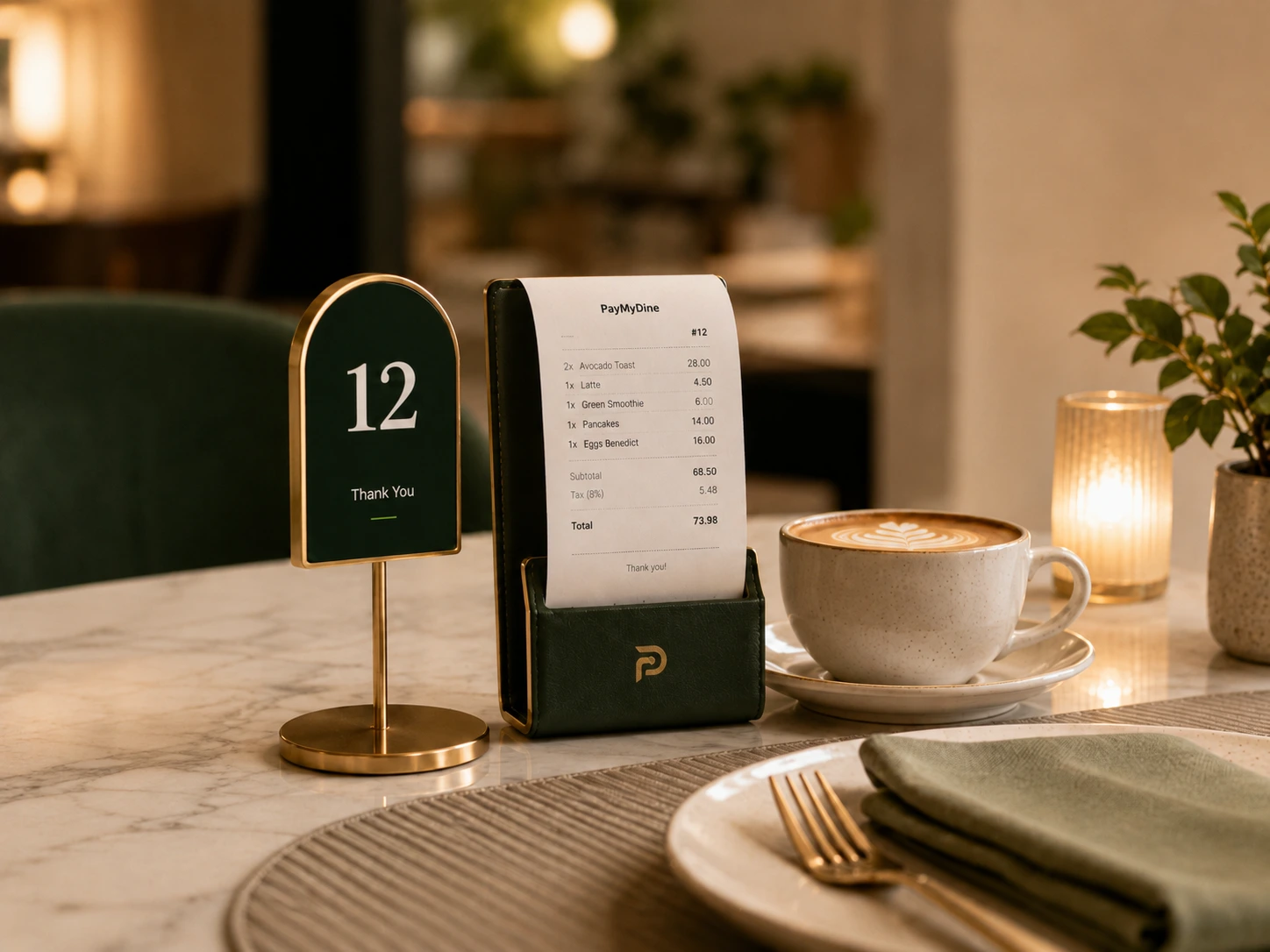
Start with active tables, open orders, sales and exceptions instead of a generic summary.
Filter open, delayed or completed orders and keep each ticket attached to its table and channel.
See occupied, available and payment-stage tables with service status in view.
Use the physical floor layout to locate tables, bookings and service pressure.
A manager can move from floor state to order detail without asking each team for a separate update.
See the 5-step operating flow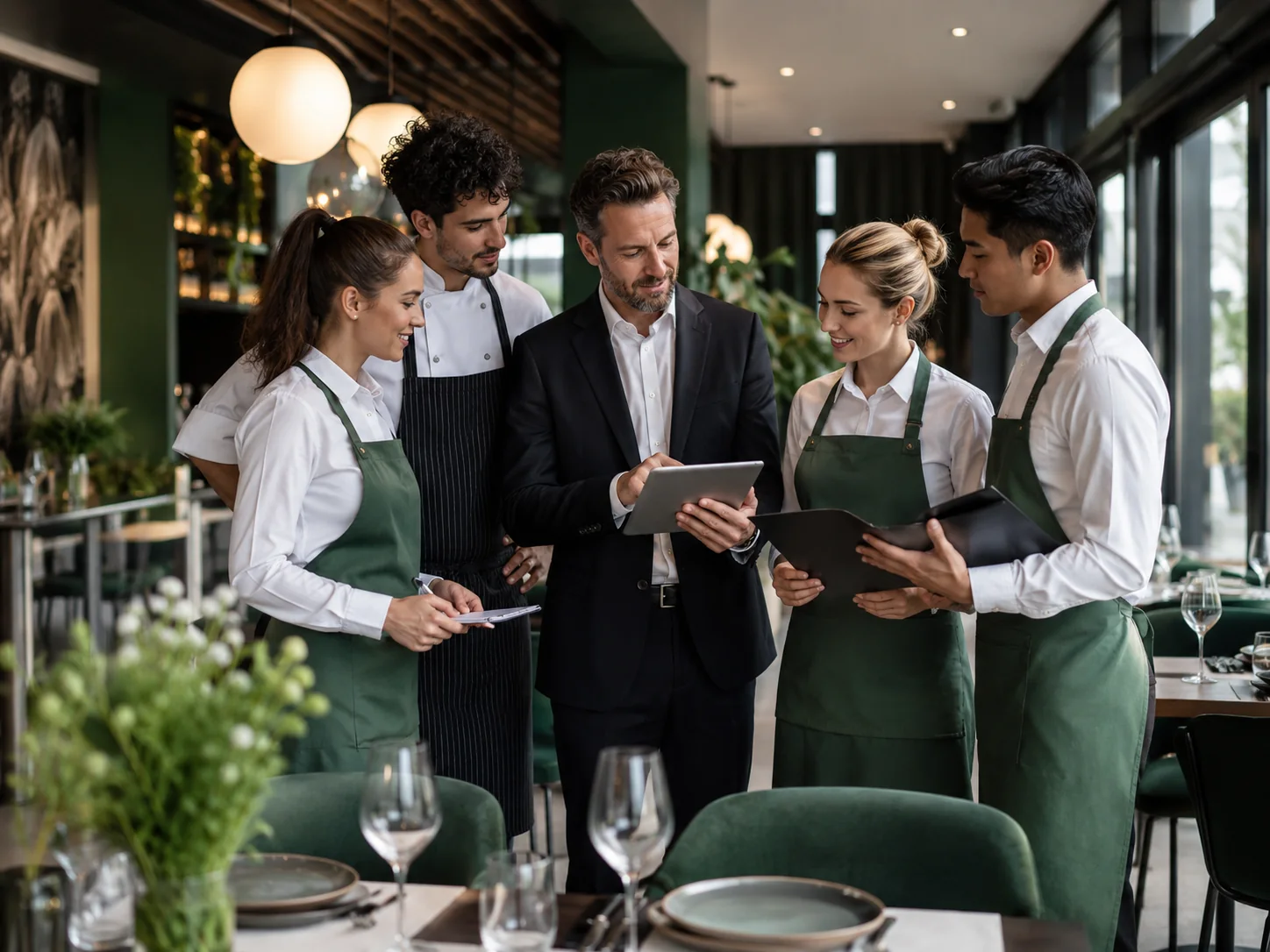
Each channel keeps its own table or order context while contributing to the same live workload and reporting picture.
See the 5-step operating flowScope varies by setup; measure results against your baseline.
Dashboard, orders, tables, floor maps, dine-in or takeaway and live activity stay in one operating area.
Owner, manager, service staff and kitchen teams use the same restaurant context at different levels of detail.
Dine-in and takeaway can be followed together without maintaining separate versions of the restaurant day.
A status change should update the same restaurant story instead of ending in a disconnected screen.
See status, owner and next action.
Open reservations, active tables, open orders, takeaway work and the floor view before service pressure builds.
Find waiting guests, delayed orders, unpaid tables or areas of the floor that need management attention.
Service staff sees service actions, kitchen sees preparation work and managers keep the wider exception view.
Update the order, table, preparation and payment state so the next team member does not work from an old status.
Compare revenue, guests, table movement and operational exceptions after the service period.
Shared data, focused team views.
Reviews revenue, guest volume, table turnover and the exceptions that affected the business result.
Monitors the floor, open orders, delays, takeaway activity and the actions that need coordination during the shift.
Works with assigned tables, orders, guest requests, service status and checkout context.
Receives preparation work with order detail, notes, timing and ready-to-serve handoff status.
Compare the same service period before and after launch.
Measure how long guests wait between arrival or check-in and being seated, where those events are captured.
Measure the interval between order confirmation and the kitchen receiving or starting the work.
Track the time from seating through table release using a consistent definition for each service model.
Measure how long the final checkout stage takes from bill request to completed payment status.
Set up table maps, statuses and permissions first.
The exact answer can depend on the restaurant setup, selected modules and connected systems.
Not by default. The product can add operating, guest, team and insight layers around supported POS connections or selected standalone modules.
Yes. The current product map includes floor maps and multiple-floor restaurant setups.
They can keep distinct channel context while still contributing to one management view.
Freshness depends on the originating module, connected system, permissions and refresh method available in the deployment.
Managers can review open orders, occupied tables, order channels, floor position and live exceptions from the same operating context.
Bring your floor plan, order channels and management questions. We will show how the dashboard, tables, orders and live activity fit together.