 PayMyDine
Waiter ordering
Create the order from the waiter or guest flow and attach the correct table, items, modifiers and notes.
Keep orders, kitchen progress and menu availability in sync.
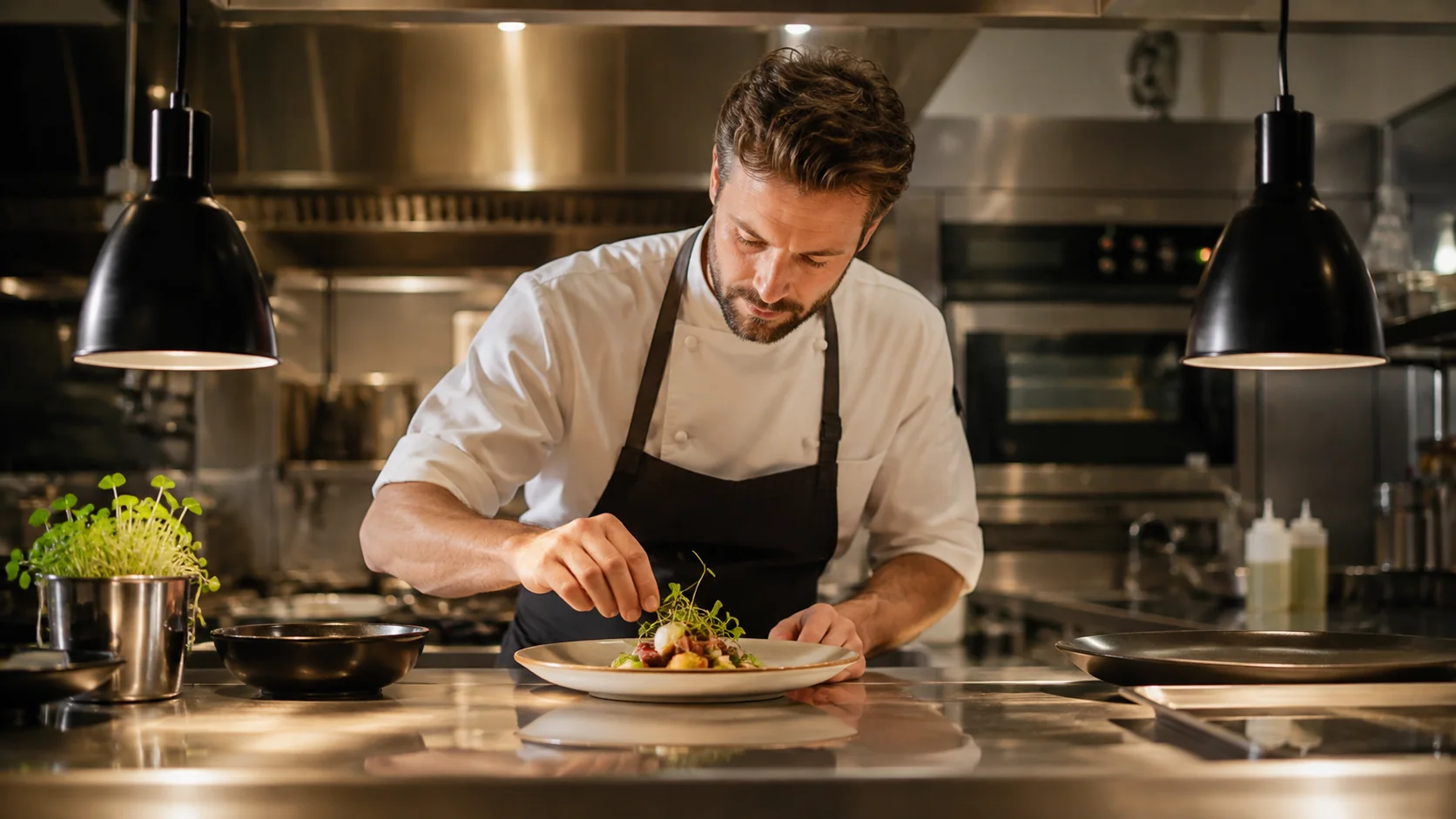
Create the order from the waiter or guest flow and attach the correct table, items, modifiers and notes.
Place incoming tickets in a focused KDS queue with item detail, timing and priority context.
Show received and preparing states so kitchen and management can see what is waiting and what is active.
Publish ready status to service staff so the completed ticket has a clear next owner.
Item detail, modifiers, ticket age and current state remain visible in the preparation queue during service.
See the 5-step operating flow
Menu, modifier and sold-out changes update the ordering context so unavailable or incorrectly configured items do not continue into preparation.
See the 5-step operating flowKeep service, kitchen and menu details connected.
Waiter ordering, KDS, preparation status, ready status, menu management, customisation and sold-out information are included.
The order moves from service to preparation, then ready status moves back to the service team.
Table, item or modifier detail and preparation status remain attached to the same work.
Menu changes and sold-out information should reach the people and channels that depend on them.
A clear queue makes the next handoff visible.
Record the table or channel, ordered items, modifiers and notes in the service workflow.
Show the kitchen the order detail and priority context needed to begin work without unrelated admin information.
Move work through received and in-progress states so managers and service teams can understand what is happening.
Return a clear ready status to the role responsible for collection or table service.
Update items, customisation and sold-out information so new orders reflect what the restaurant can serve.
Each team sees the details it needs.
Captures items, modifiers and notes, then follows preparation and ready status for the right table.
Works from a focused queue with item detail, notes, elapsed time and preparation status.
Sees workload, delayed tickets, ready handoffs and menu availability exceptions during service.
Maintains menu items, customisation and sold-out state for the configured ordering channels.
Define start and finish times for every step.
Measure the interval between order confirmation and the preparation view receiving the work.
Track time from the agreed preparation start event to ready status by item, category or service period where available.
Measure how long completed work waits before the service handoff is acknowledged.
Measure the time between an availability decision and the updated menu state reaching the relevant channel.
Agree on statuses and menu rules first.
The exact answer can depend on the restaurant setup, selected modules and connected systems.
No. The kitchen view is focused on preparation work, while management keeps the wider service and exception picture.
Yes, where menu control and the relevant ordering channels are part of the configured setup.
The product scope includes menu customisation and order notes that need to travel with preparation work.
They can contribute to one preparation picture while retaining their channel and table or takeaway context.
The ticket carries table, item, modifier and timing context into the kitchen while menu and sold-out changes prevent unavailable items from continuing through the flow.
We can show waiter ordering, KDS preparation, menu management, customization and ready-status handoff around your operation.