9 product areas - 6 role workspaces

One operating layer for the actions, status and metrics behind the restaurant day.

Use reservations, tables, ordering, kitchen, payments, guest CRM, analytics, team controls, integrations and AI as connected product areas. Each role receives a focused workspace while management keeps the shared operating picture.

PayMyDine9 product areas - 6 role workspaces

PayMyDine AI

Use 6 AI-assisted actions: ask questions, receive a daily briefing, flag unusual movement, compare periods, support forecasts and identify the next metric to investigate.

See the workflow

Restaurant Operations

Monitor 6 live views: dashboard, open orders, table status, floor maps, dine-in or takeaway and current restaurant activity.

See the workflow

Reservations & Table Management

Plan 7 reservation and seating tasks: calendar, timeline, availability, walk-ins, table assignment, guest flow and multiple floors.

See the workflow

Ordering, Kitchen & Menu

Move orders through 7 controls: waiter entry, KDS, preparation status, ready status, menu management, modifiers and sold-out items.

See the workflow

Payments & Guest Ordering

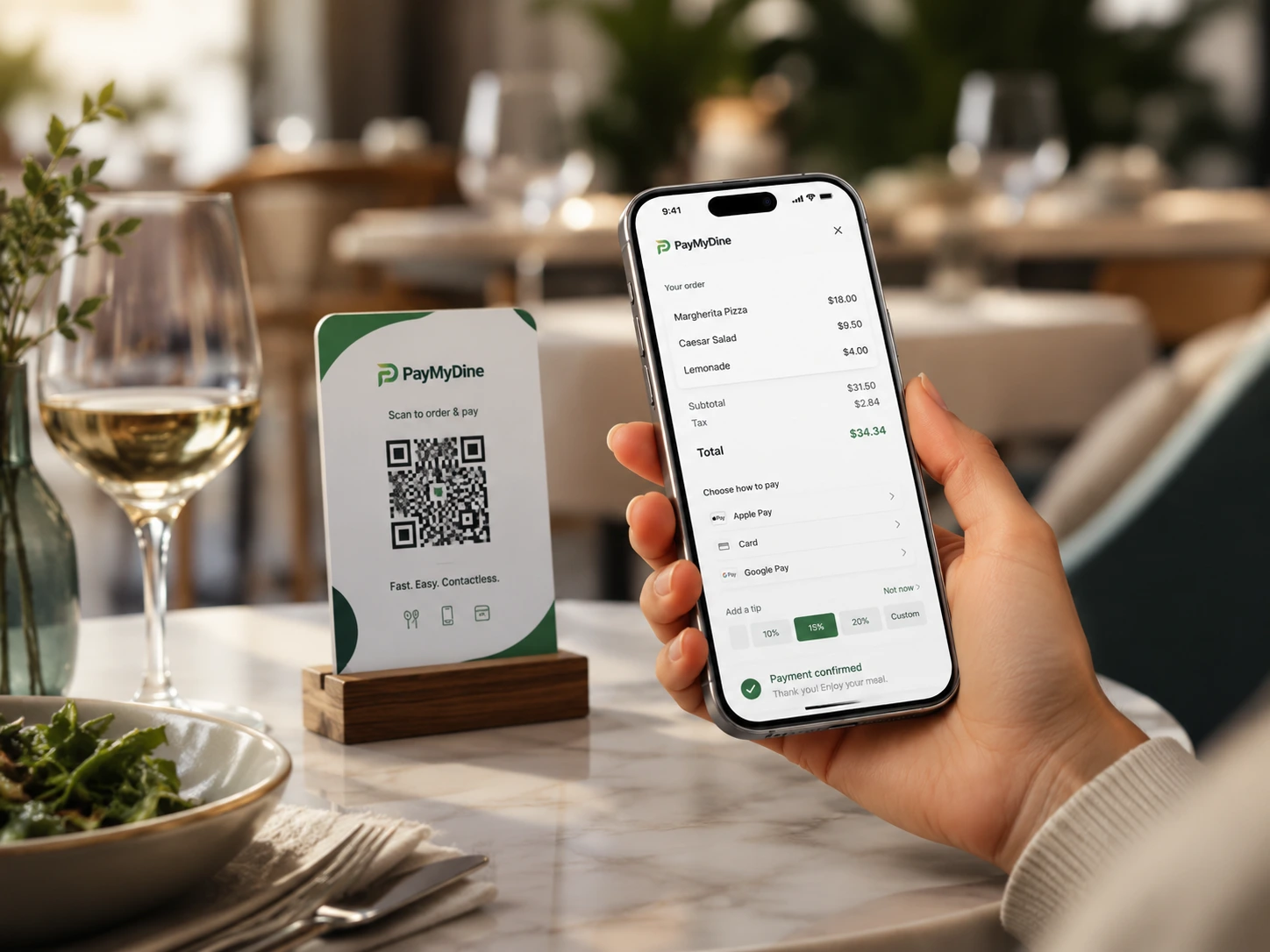
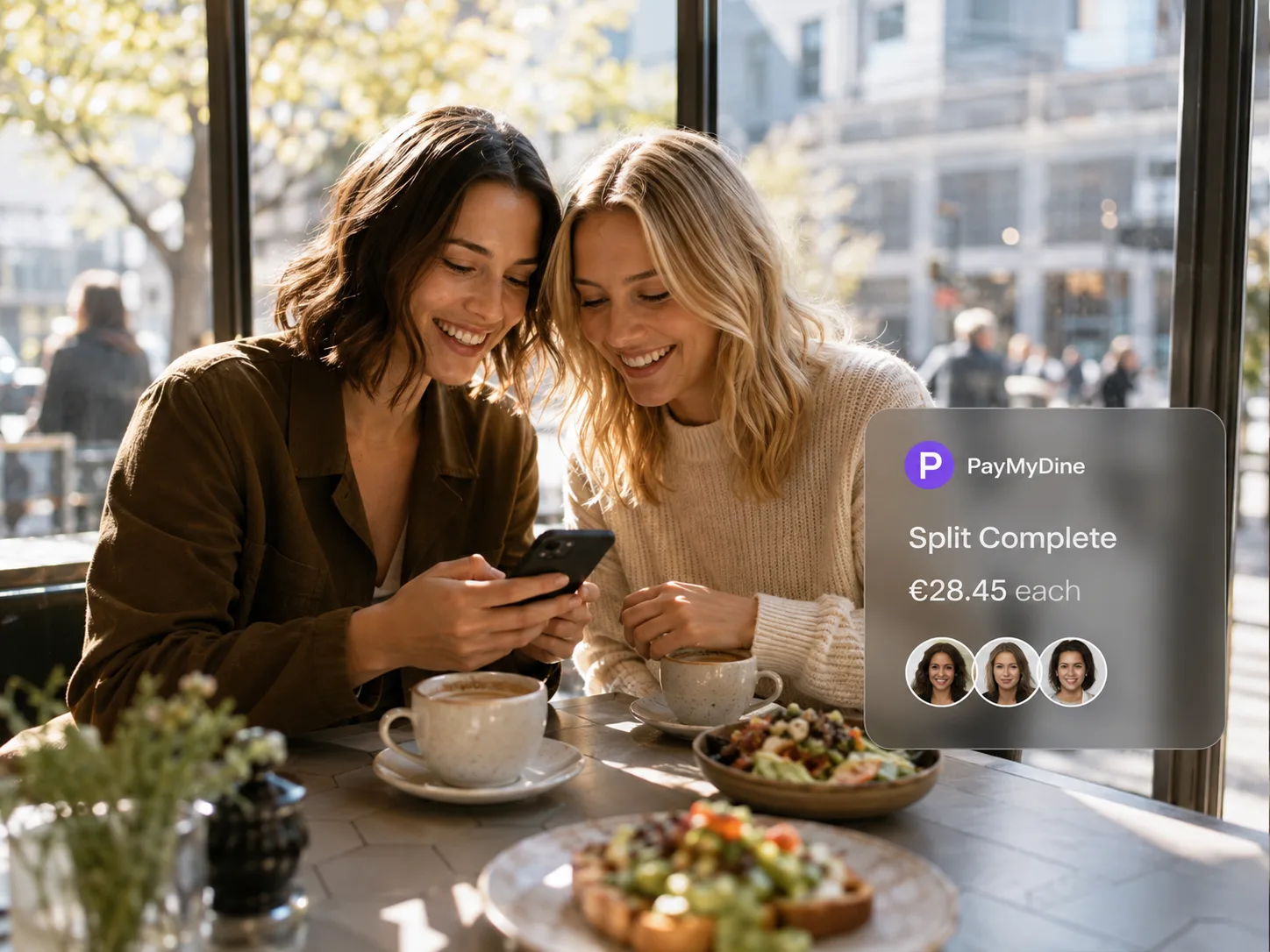
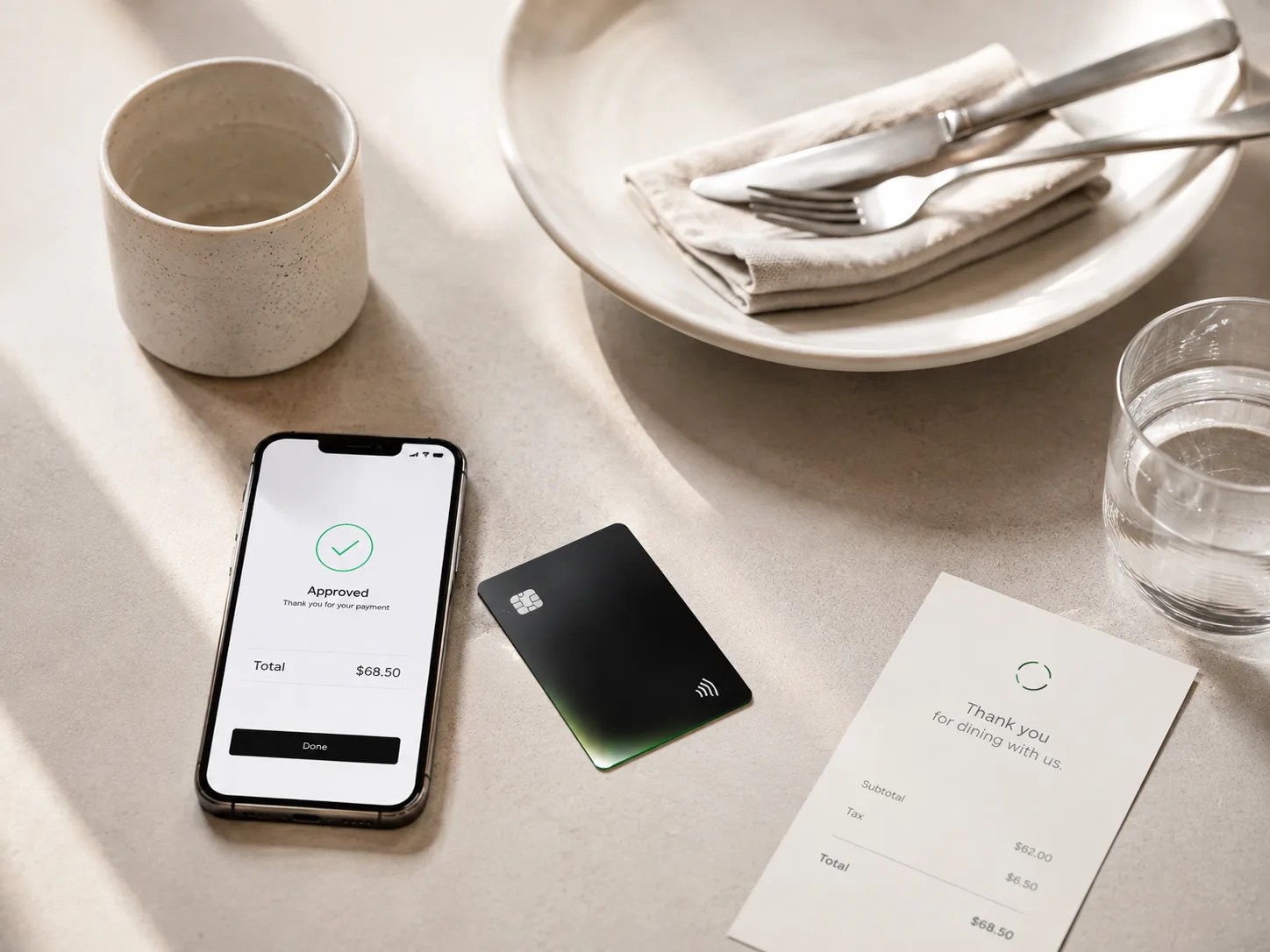
Cover 8 guest-ordering and payment moments, including table QR, mobile menu, pay-at-table and 3 split methods: equally, by item or by shares.

See the workflow

Analytics, Forecasting & Profitability

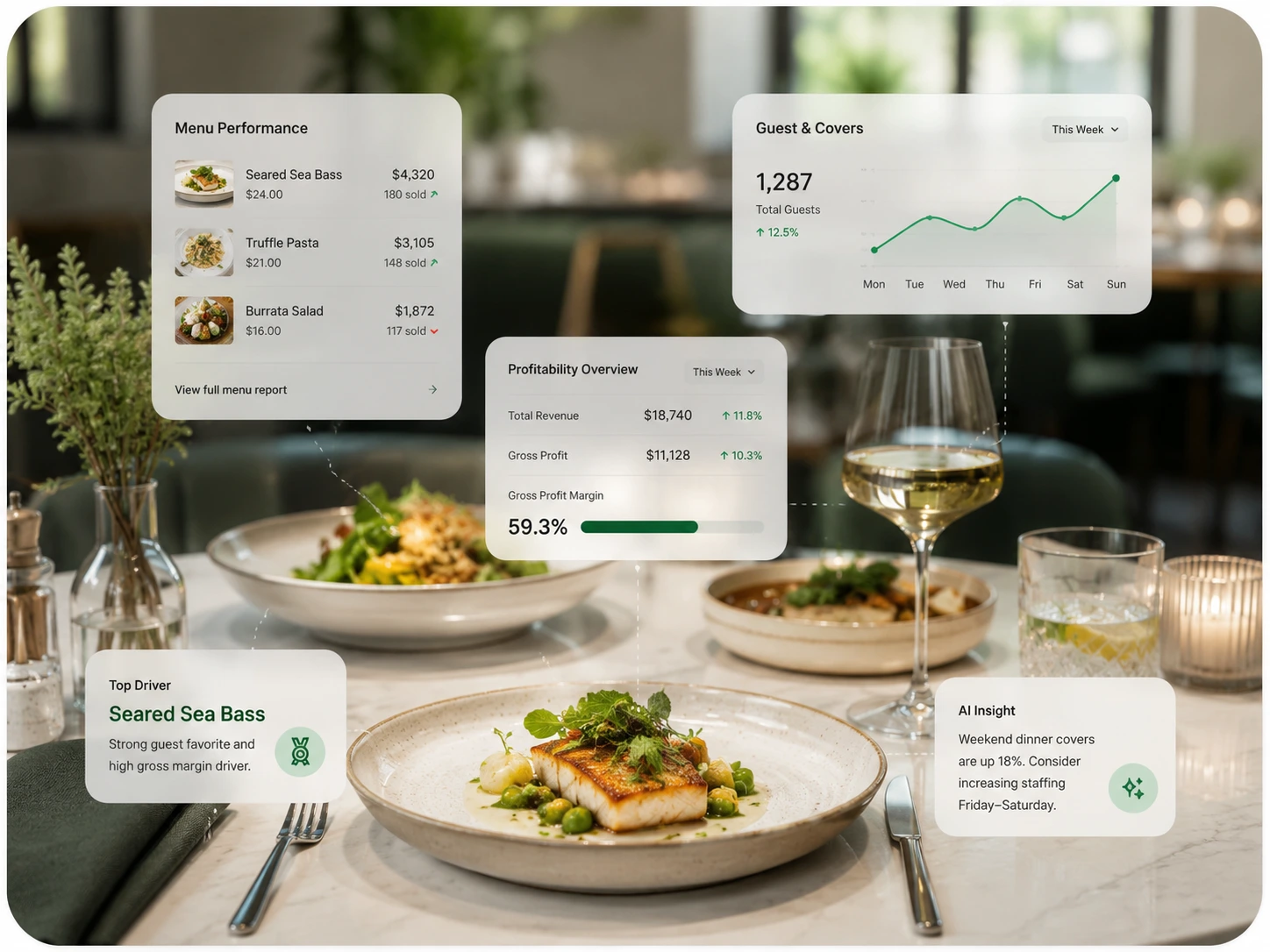
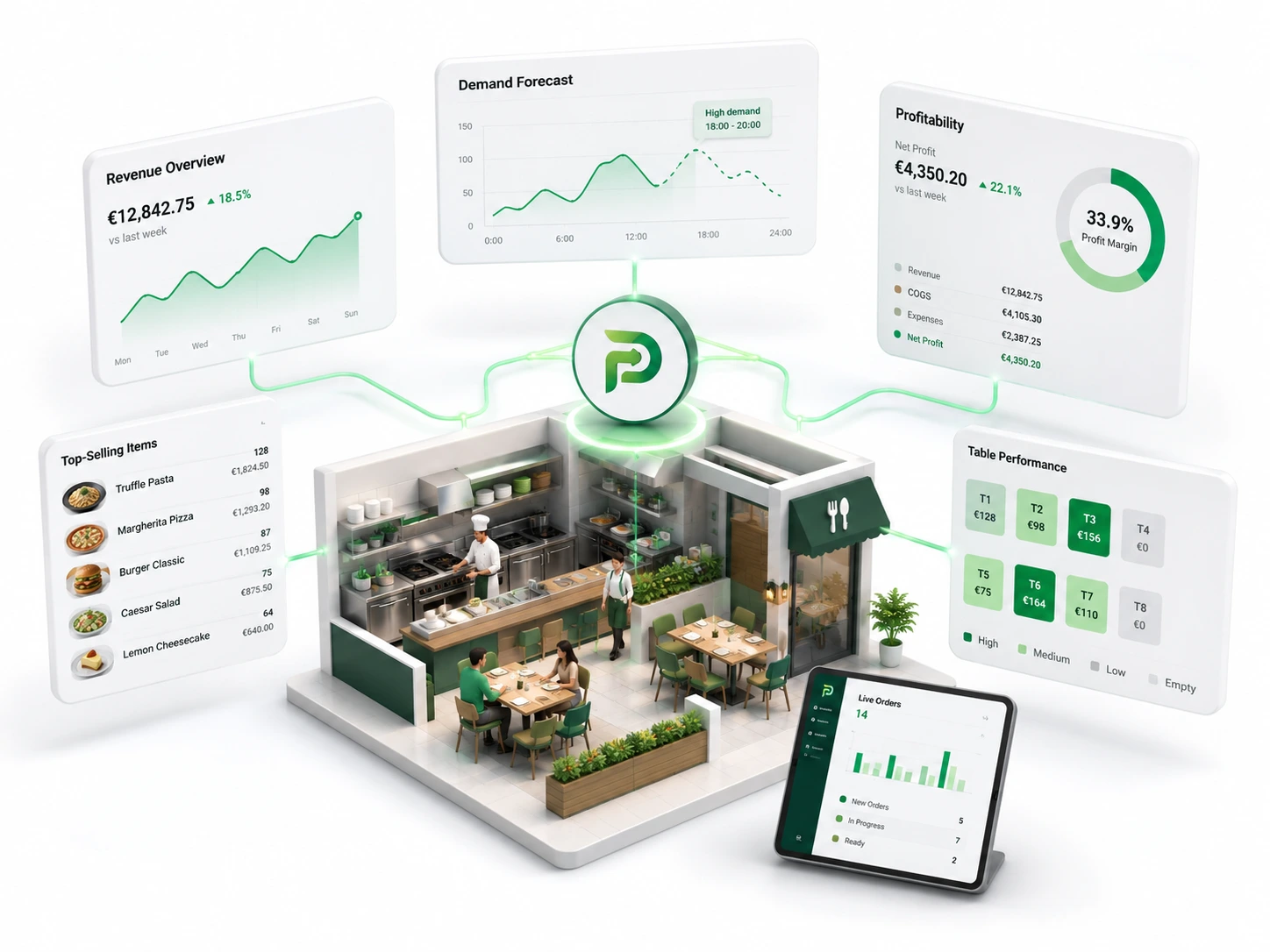
Track 9 decision metrics: revenue, guests, average check, table turnover, sales by time, best sellers, payment mix, forecasting and profitability.

See the workflow

Team Management

Coordinate 5 people controls: role workspaces, permissions, shifts, performance context and staff activity.

See the workflow

Guest CRM, Marketing & Growth

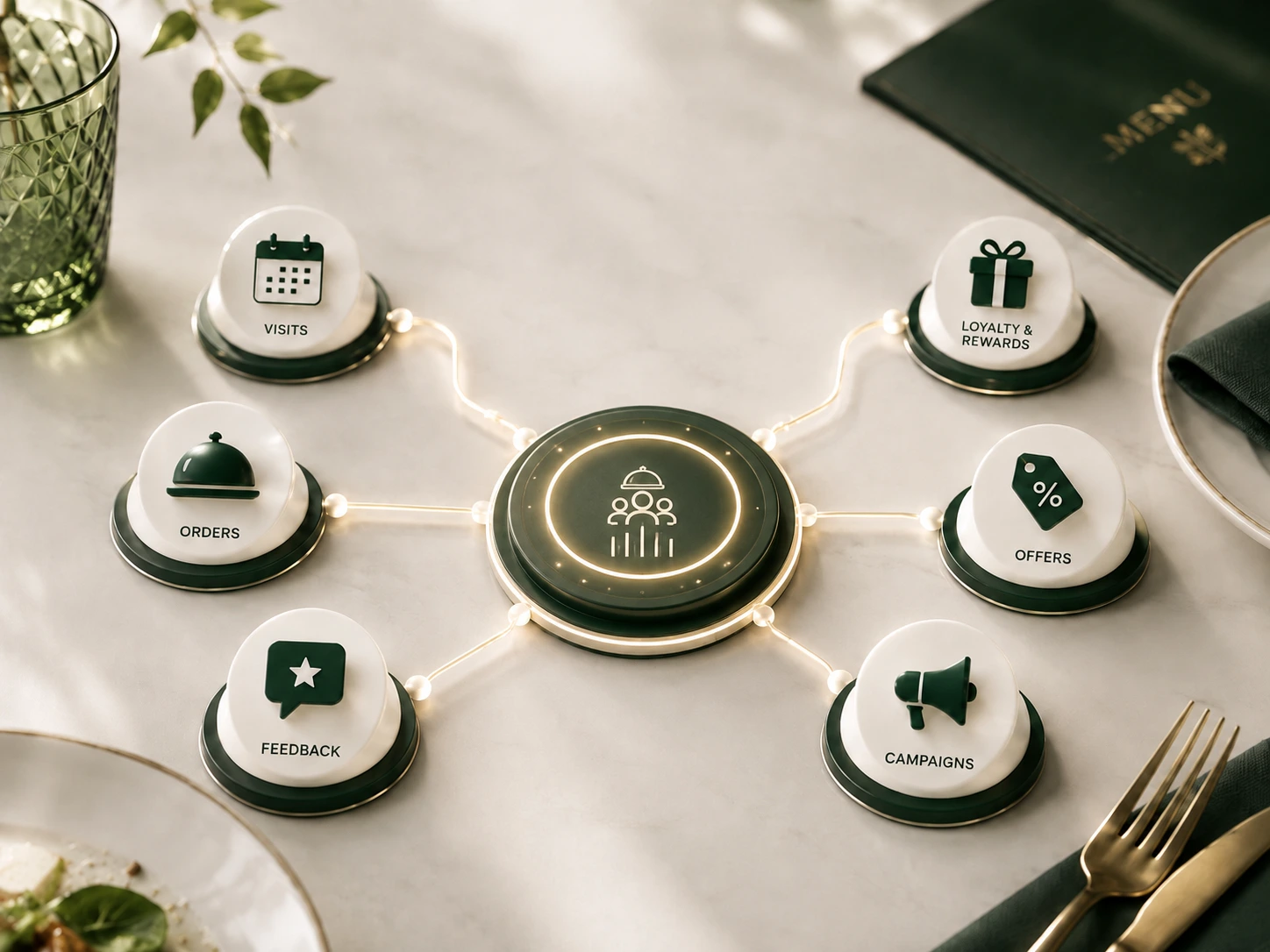
Use 6 growth tools: profiles, loyalty, offers, campaigns, feedback and retention, with visit context available for relevant follow-up.

See the workflow

Integrations, Multi-location & Inventory

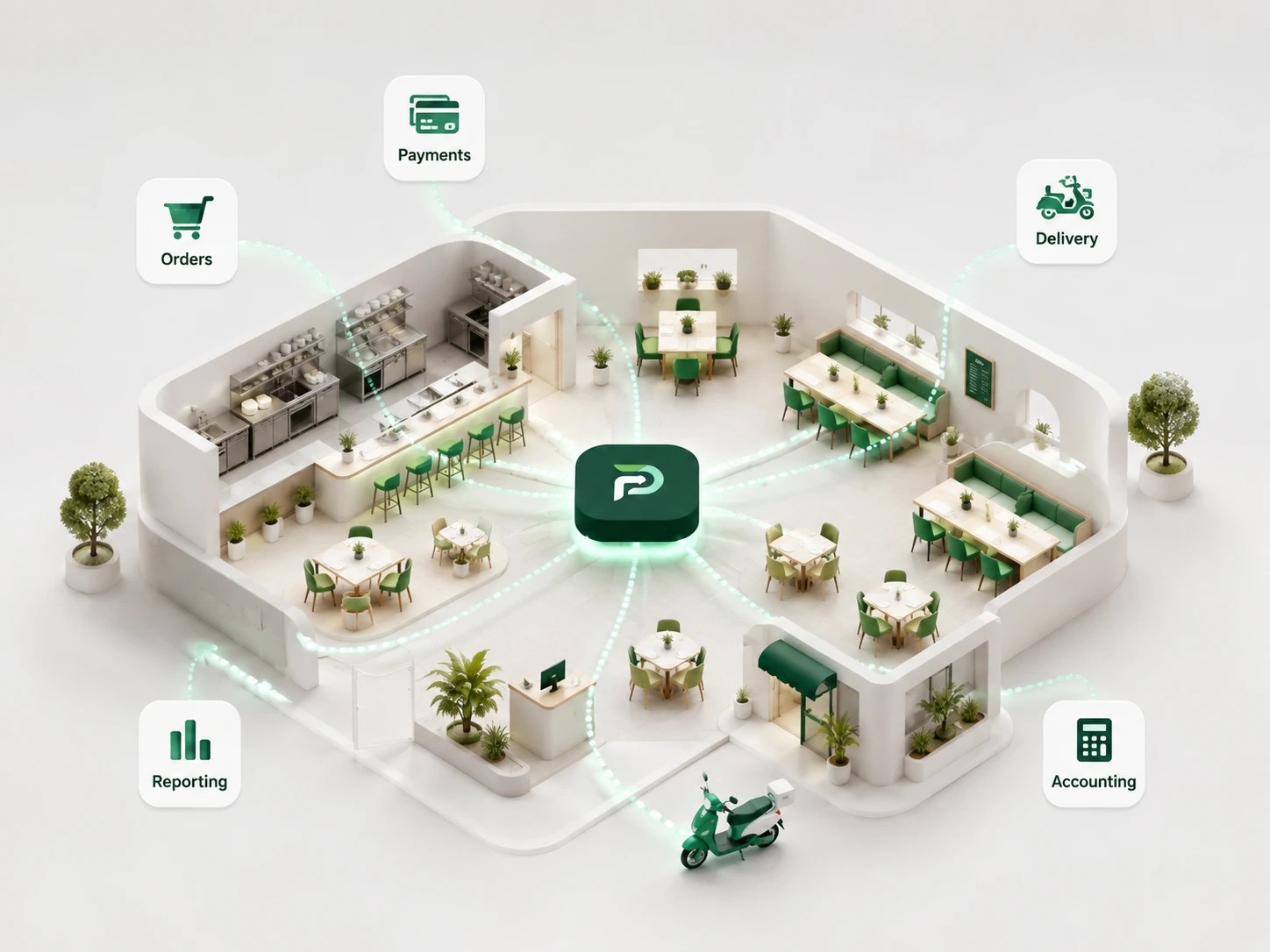
Connect 4 system types - POS, accounting, delivery and payments - then add central reporting, shared menus, inventory, food-cost and purchasing context.

See the workflow
5-step operating flow + AI review

Every restaurant action creates context. PayMyDine keeps it connected so the next role β€” and AI β€” can understand what happened.

The same context follows the journey from guest or staff action through preparation, service and payment into reporting. PayMyDine AI can then help summarise the period, compare results, surface unusual movement and identify which metric or source view management should inspect next.

PayMyDine restaurant workflow
01

Action starts

A guest scans a table QR, reception seats a booking, service staff opens an order or a manager changes a table.

02

Context is attached

Table, guest, order, timing, notes and permissions travel with the action instead of being entered again.

03

The responsible role receives it

Service staff sees service work, kitchen sees preparation work and managers see exceptions and live status.

04

Service and checkout complete

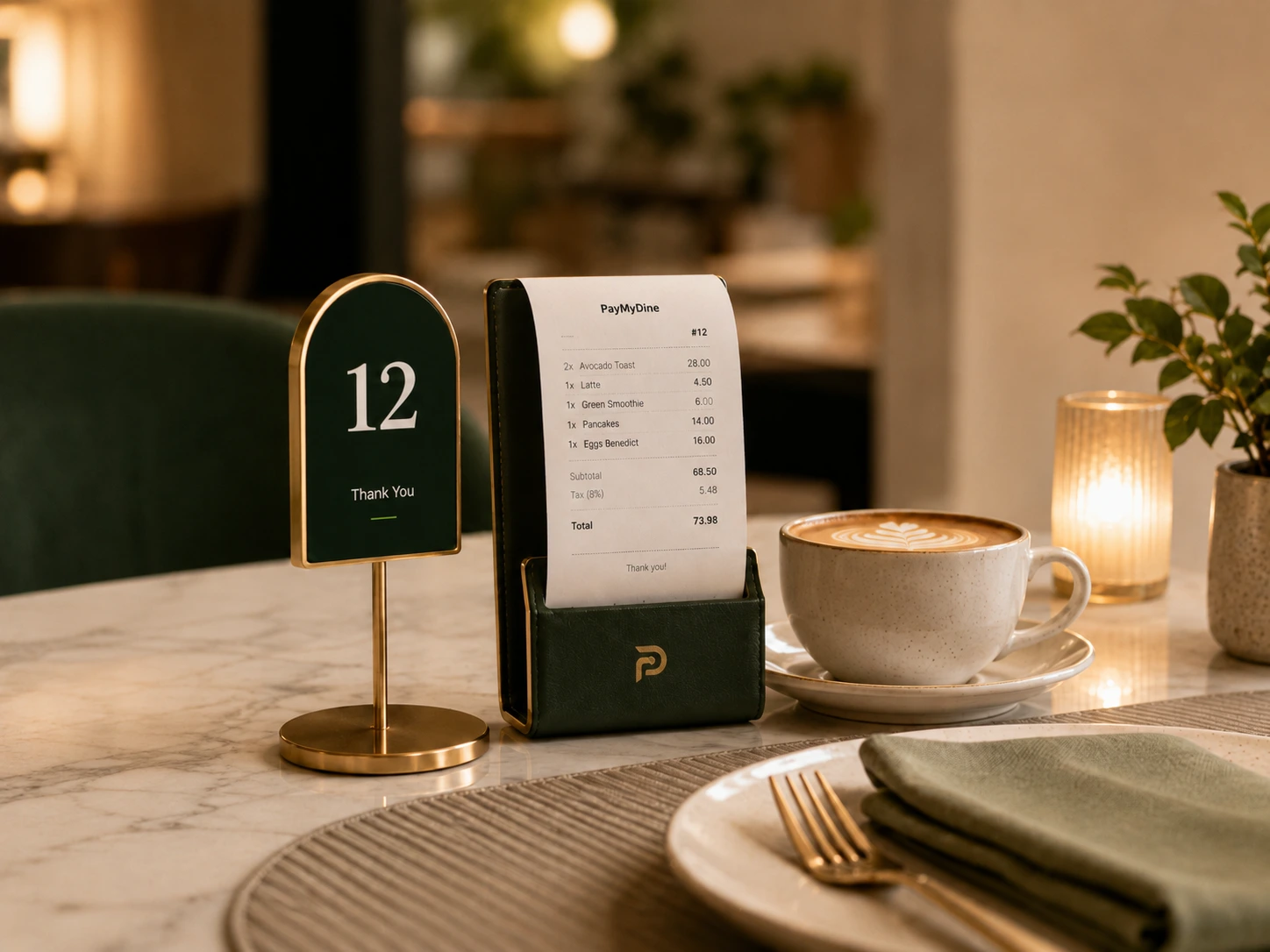
Preparation, ready status, handoff and payment continue from the same restaurant context, including three bill-split methods.

05

Activity becomes insight and AI assistance

Revenue, guests, average check, table turnover, sales timing, payment mix, forecasts and profitability become available for reporting, comparisons, anomaly review and AI-assisted questions.
Role-aware workflow

Move table, order and guest context to the role responsible for the next action.

Service staff receives service work, kitchen receives preparation work, reservations receives arrivals and managers receive exceptions without copying information between systems.

9 decision metrics

Track the number, comparison period and operating context behind it.

Review revenue, guests, average check, table turnover, sales timing, best sellers, payment mix, forecasting and profitability, then use AI assistance to ask why a signal changed.

Operations for people. Context for AI.

Teams get focused screens. Management gets the wider picture. AI helps connect the signals between them.

PayMyDine keeps daily interfaces practical for the people doing the work while collecting the shared restaurant context needed for reporting and AI-assisted review. The result is not another isolated chatbot β€” it is assistance built around the operation already happening in the restaurant.

PayMyDine owner and restaurant operations workflow
Owner, management & AI

See the business picture, then ask AI to explain movement across revenue, guests, tables, orders and profitability.

Move from a high-level metric to the source view behind it, compare periods, surface unusual changes and decide which floor, channel, category or item needs investigation.

PayMyDine guest experience
Guest journey

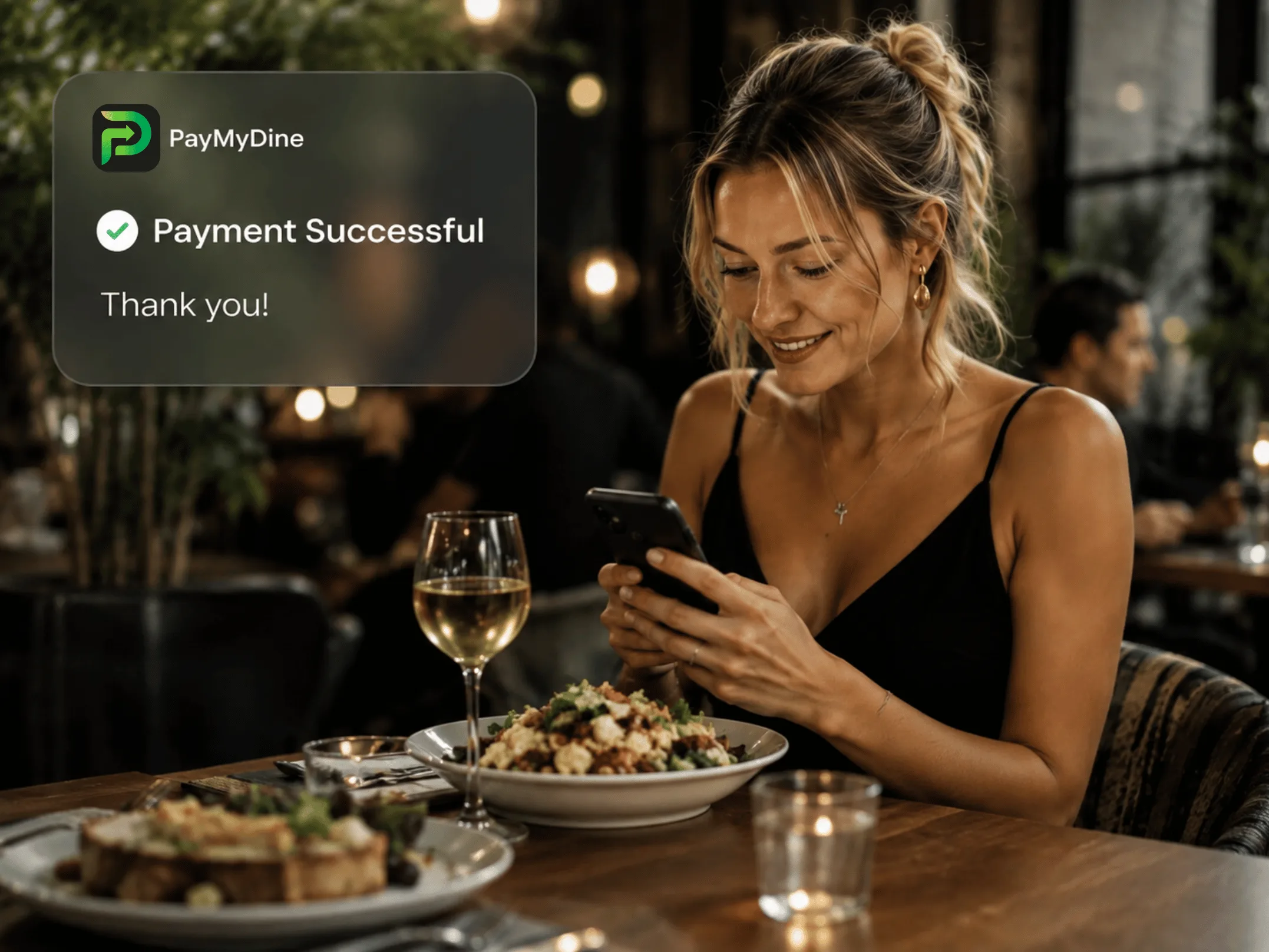
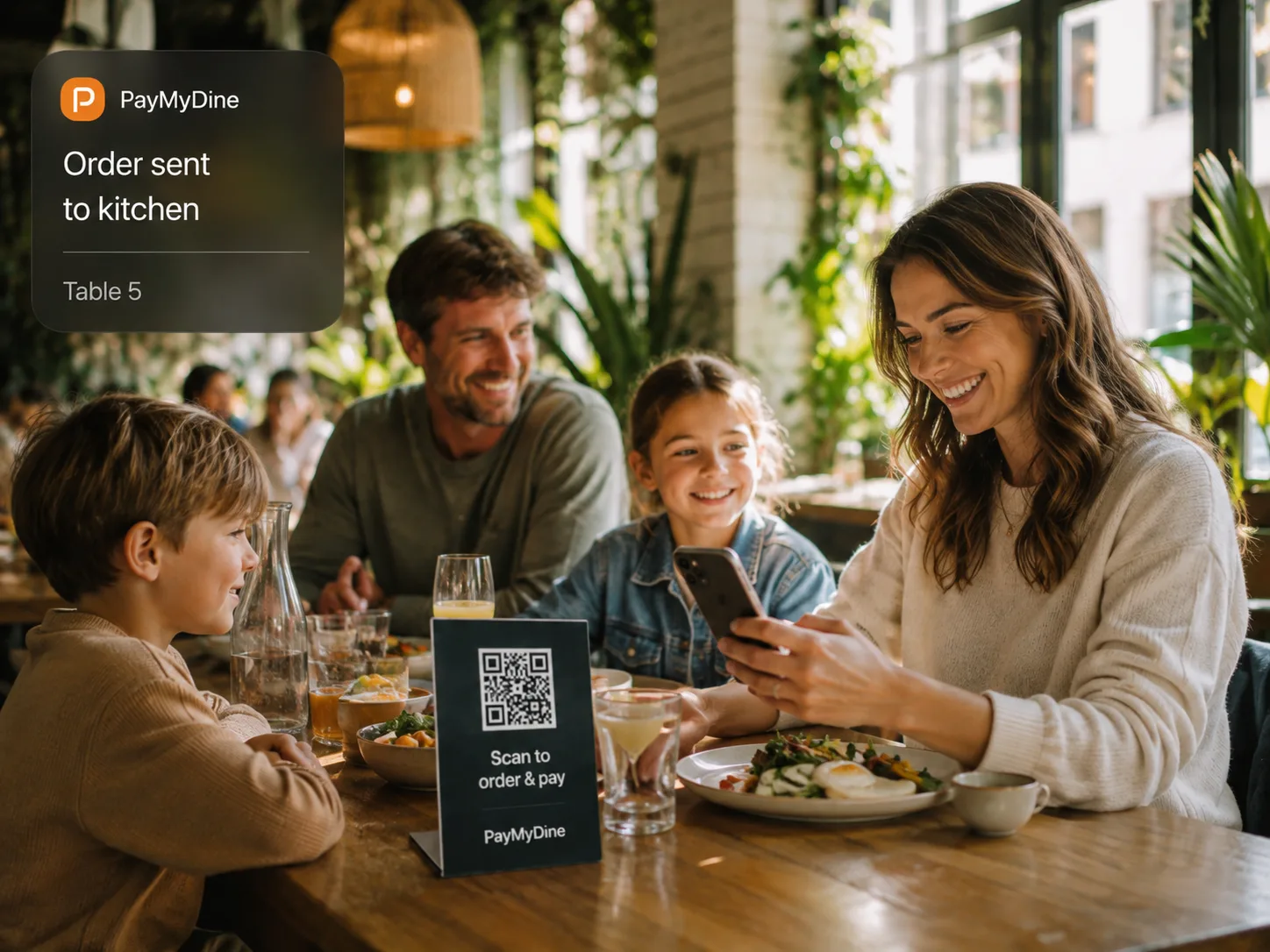
Four clear actions: scan, browse, order and pay.

The table QR journey keeps guest, table, order and payment context connected through checkout. Those interactions also become structured operating data for reporting and AI-assisted review.

Map the real operation

Choose the product areas that remove the most duplicate work first.

We can map all 9 areas to your current tools, team responsibilities and reporting needs, then define a practical first scope.