 PayMyDine
Ask a business question
Ask about revenue, guests, average check, table turnover, sales timing, best sellers, payment mix or profitability using the data available in the configured environment.
Ask about revenue, guests, tables or costs. Check the data behind every answer.
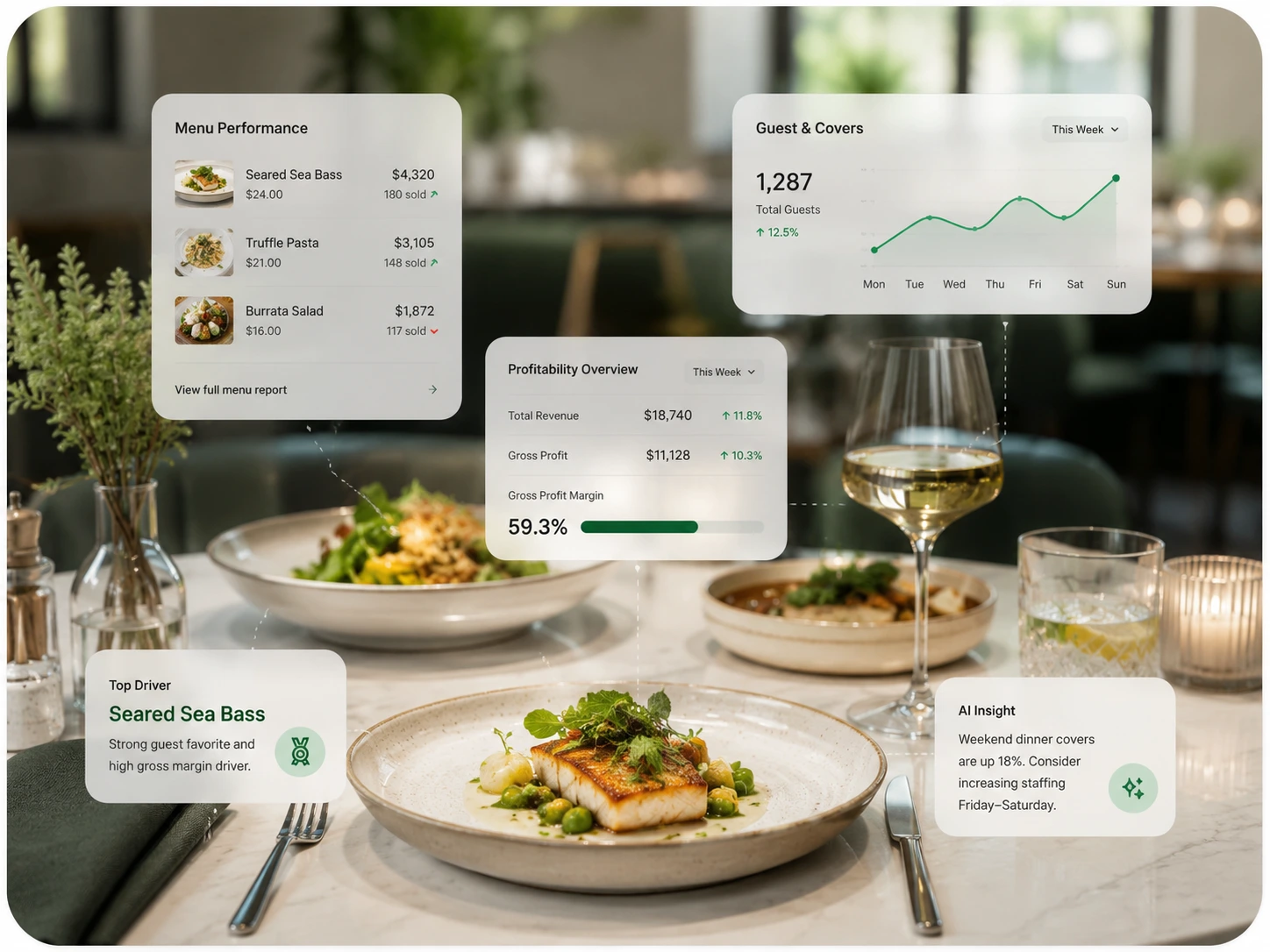
Ask about revenue, guests, average check, table turnover, sales timing, best sellers, payment mix or profitability using the data available in the configured environment.
Summarise the previous period, highlight unusual movement and list the metrics or locations that deserve a closer look.
Move from an unusual signal to the source period, category, location or operating context behind it.
Compare periods or locations and use historical patterns to support demand, sales and profitability forecasting.
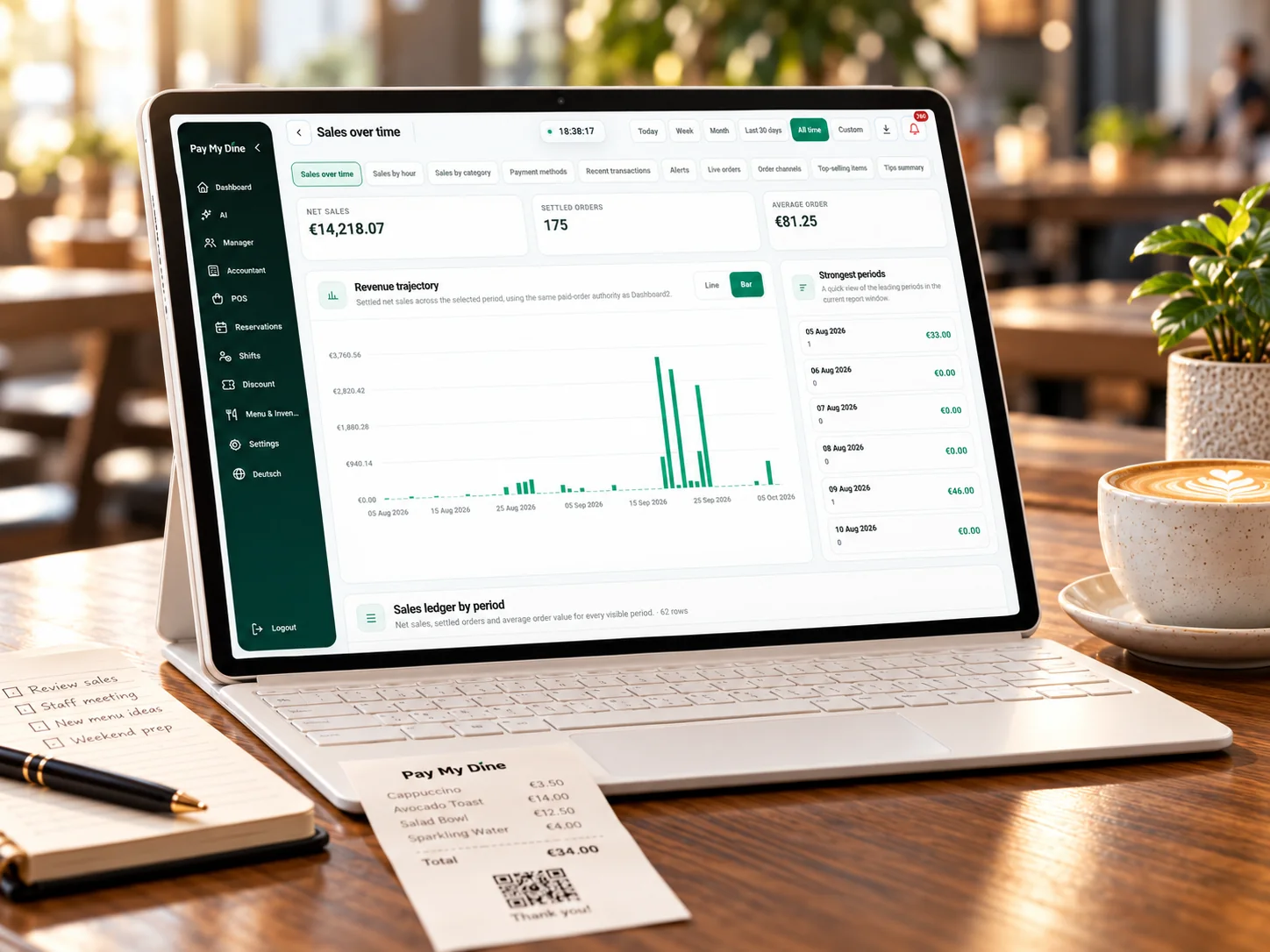
Review sales, demand and profitability with the original figures.
See the 9 management metrics
Every summary depends on the modules, data quality, comparison period and integrations available. The restaurant team keeps control of the operational or commercial action.
These counts describe product scope. Accuracy and usefulness depend on source data, definitions, permissions and the question being asked.
Questions, briefings, alerts, comparisons, forecasting and next-step investigation form the current AI scope.
Revenue, guests, average check, table turnover, sales timing, best sellers, payment mix, forecasting and profitability provide business context.
Owner, manager, finance and multi-location leadership can investigate the same data for different decisions.
AI can organise evidence and suggest what to inspect; the restaurant team verifies and decides.
The source, period and metric definition should remain visible throughout the investigation.
Start with a question such as what changed, which location moved or why an item margin requires attention.
Identify the modules, locations, periods and definitions that can support the question.
Use the available data to describe the movement, comparison or forecast without hiding missing inputs.
Open the source metric, period, location, category or item behind the AI output.
A person chooses the action, records the question to revisit and compares the same metric after the operating change.
Permissions and business context determine which questions and source views should be available to each person.
Compares periods or locations, reviews profitability movement and asks which business signal deserves attention.
Investigates shift exceptions, table or sales movement and the operating events behind an unusual result.
Checks revenue, payment, category and cost context before accepting a financial summary or comparison.
Compares sites using consistent definitions while retaining the ability to inspect the local source context.
An AI feature should be reviewed against documented questions, source coverage and actual outcomes in the restaurant workflow.
Track whether the data required by a question is present, current and mapped to the correct location or period.
Review whether the user can move from a summary back to the metric, filter and source context behind it.
Compare forecasted and actual results using the same period and definition instead of presenting forecasts as guarantees.
Baseline how long a defined management question takes to investigate before and after the AI-assisted workflow.
The safest AI implementation is explicit about what the system knows, what it cannot see and who owns the final decision.
The exact answer can depend on the restaurant setup, selected modules and connected systems.
No. The current positioning is AI assistance and decision support, not autonomous operational control.
A useful answer requires the relevant data, definition, period and permissions. Missing inputs should be shown, not silently invented.
No. Forecasts should be measured against actual results and reviewed as estimates, not promises.
Yes. Role permissions and available source views should control the questions and depth appropriate to each responsibility.
Exact outputs depend on the data, modules, locations and connected systems available in the PayMyDine environment.
We will identify which PayMyDine data is needed, show the source views behind the answer and explain where human review remains essential.