 PayMyDine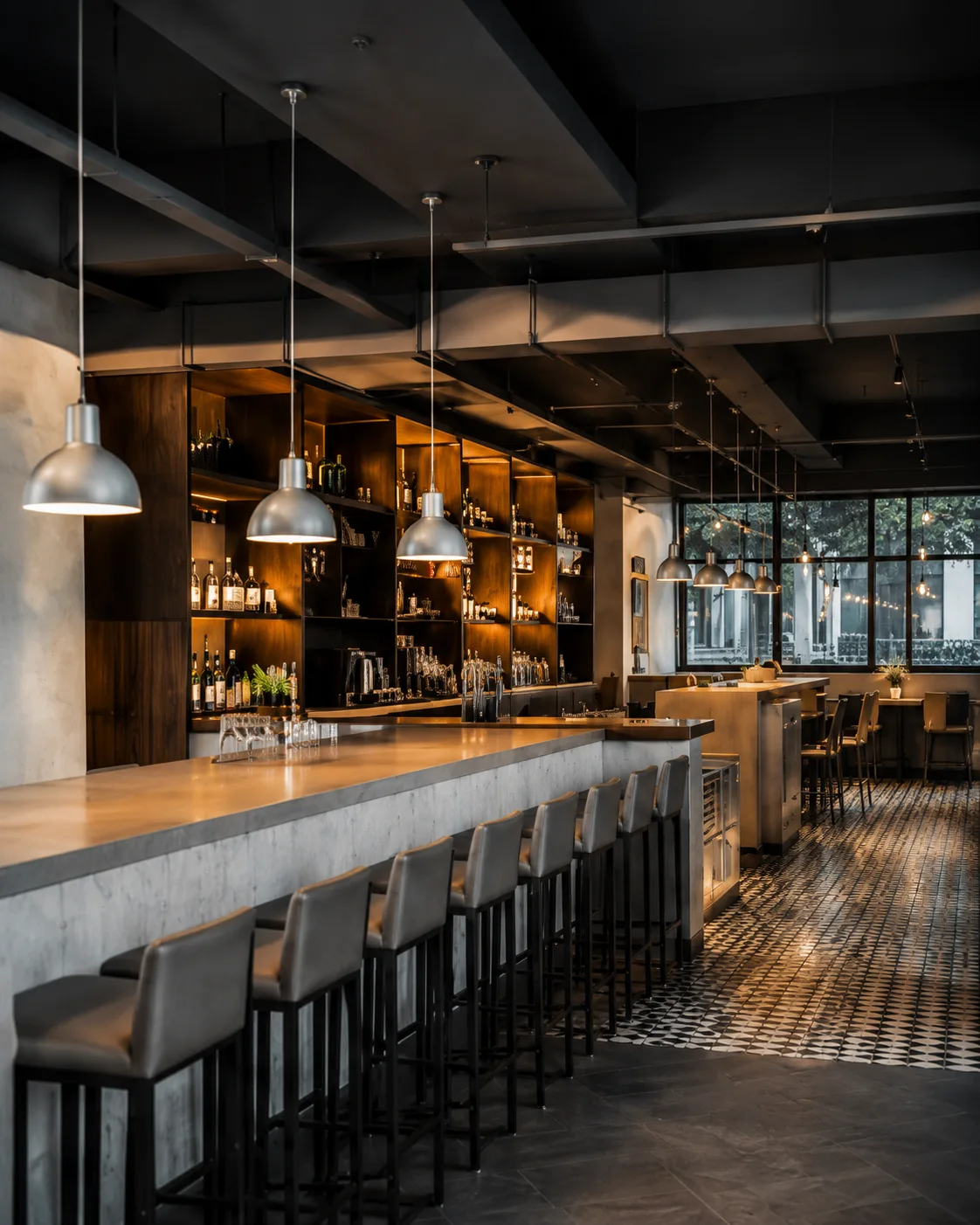
Full-service restaurants
Connect bookings, table assignment, waiter ordering, kitchen status, pay-at-table and ownership reporting around a seated guest journey.
Choose tools that fit your service model, teams and space.
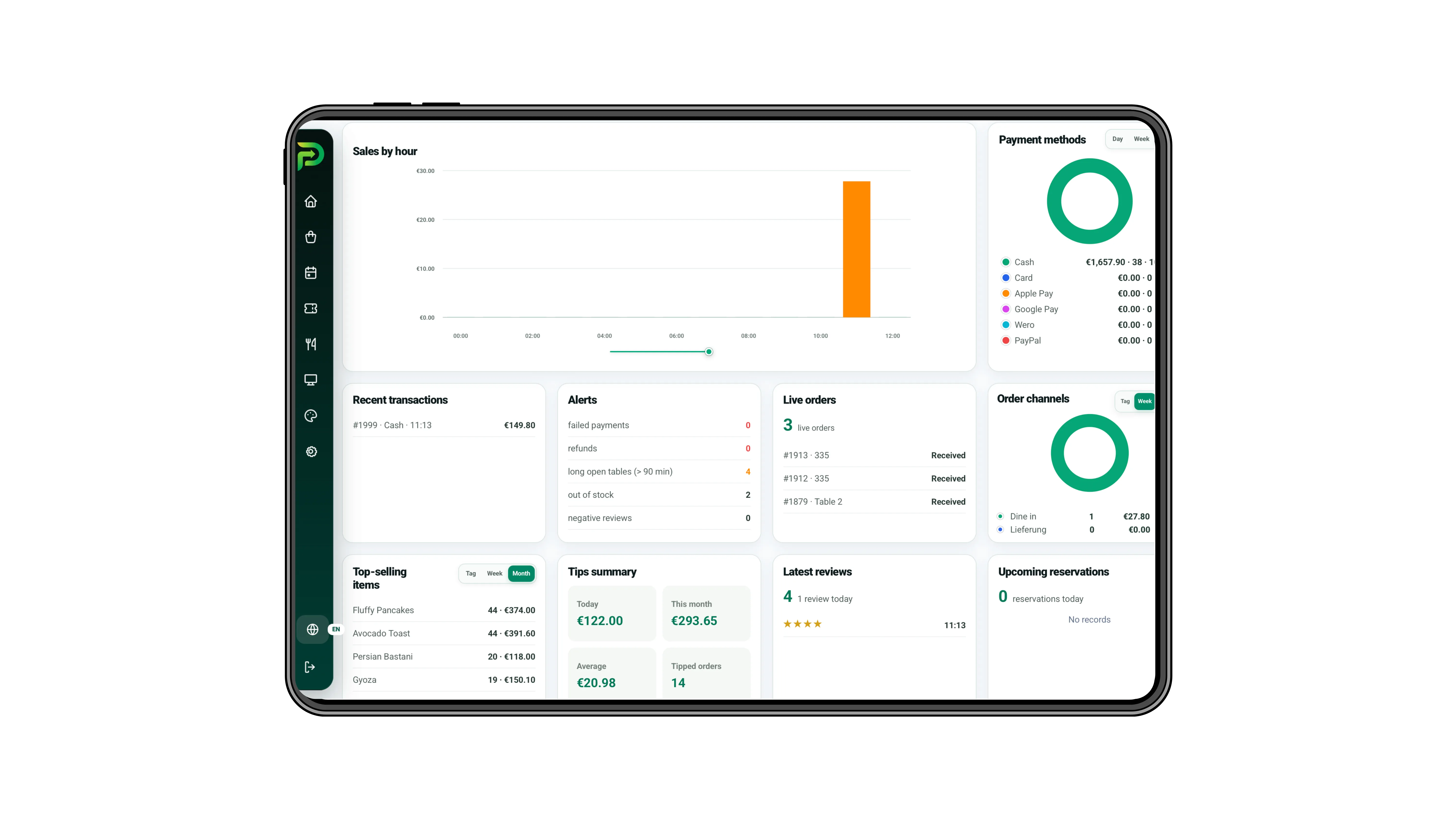
Connect bookings, table assignment, waiter ordering, kitchen status, pay-at-table and ownership reporting around a seated guest journey.
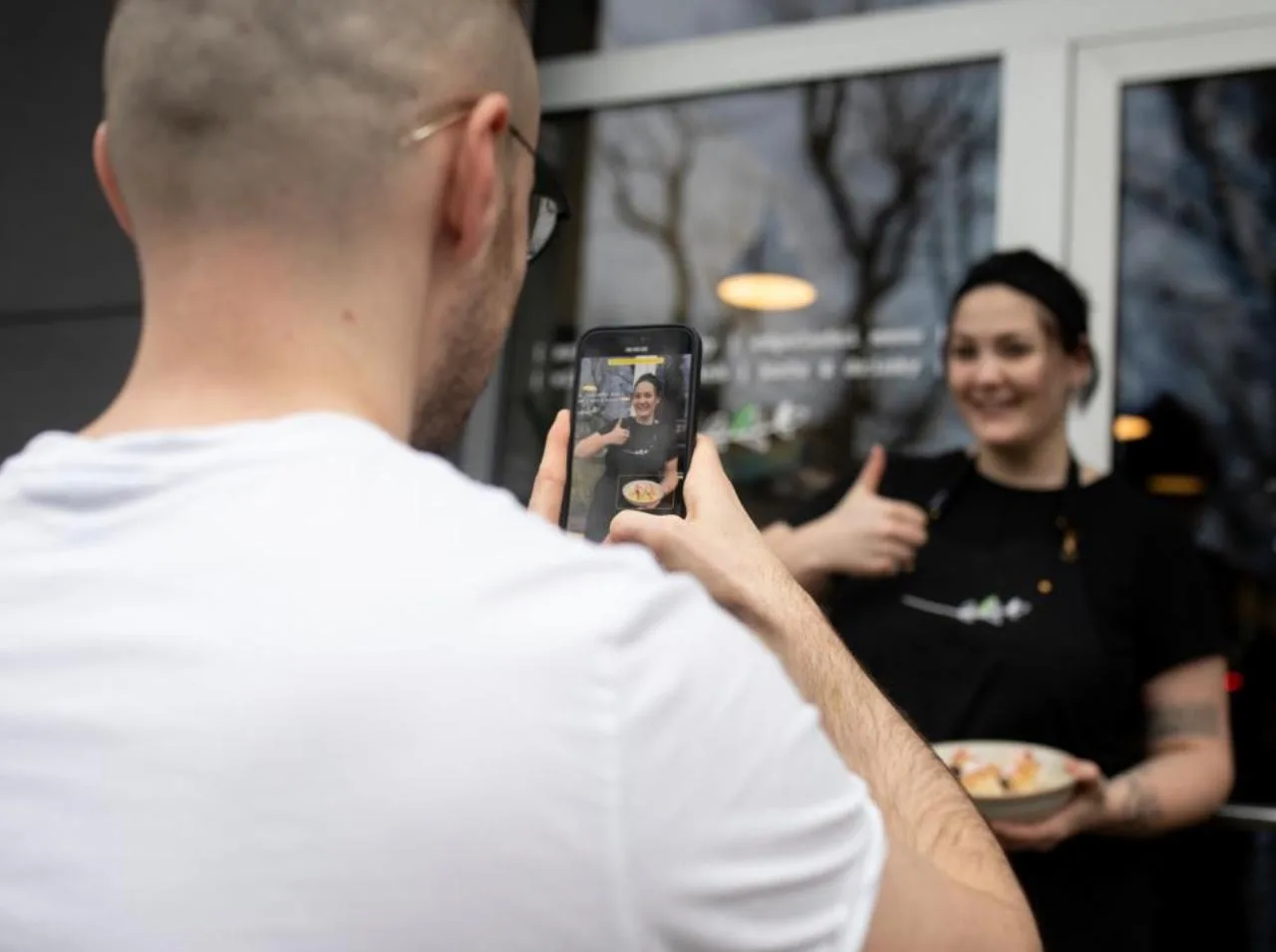
Keep table status, fast ordering, takeaway workload, menu availability and payment visible when service cycles are shorter.
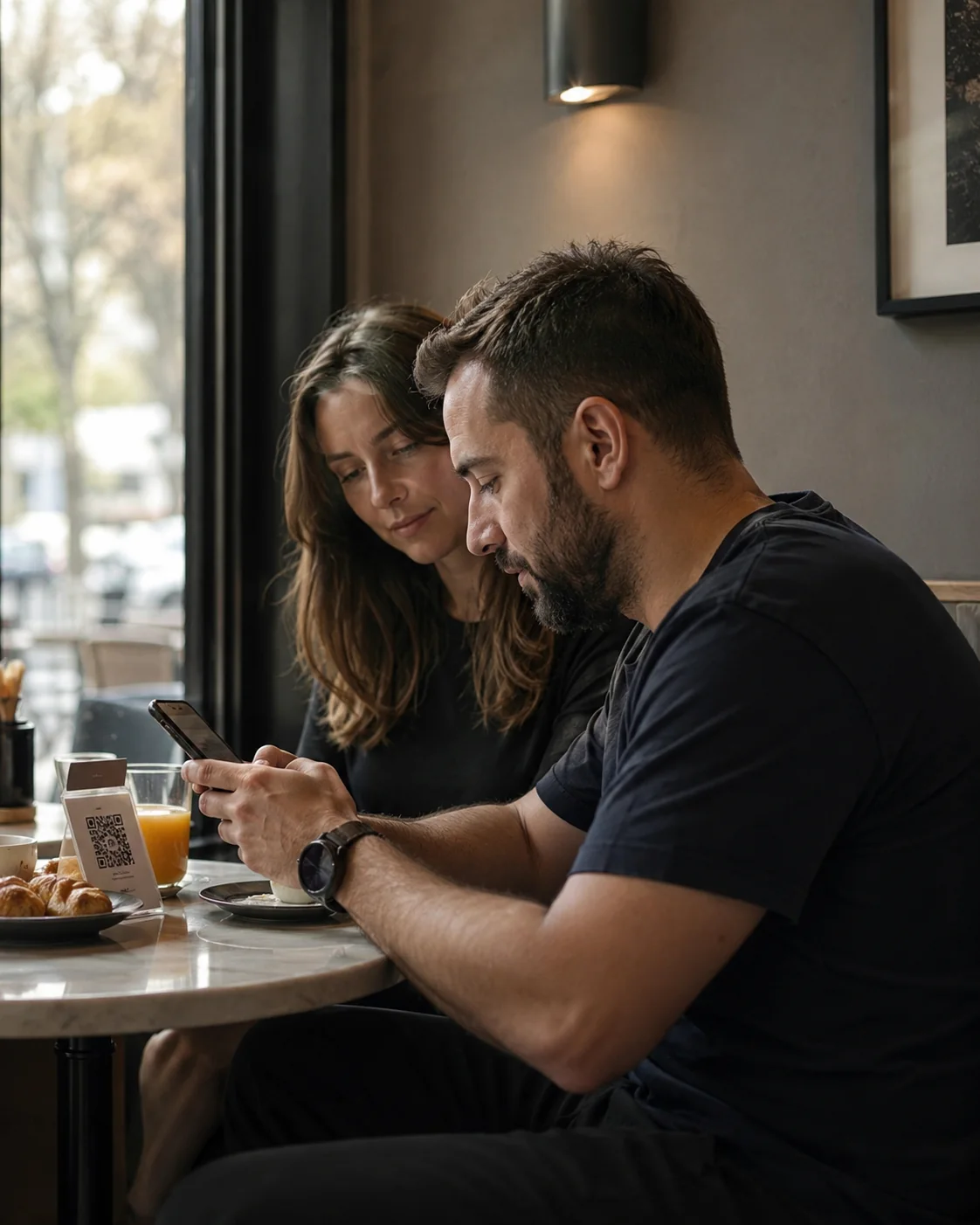
Use role queues, kitchen ticket states, sold-out controls and guest ordering to keep the next action visible as demand builds.

Configure multiple floor maps, specialised workspaces, central reporting and selected integrations for more complex teams and spaces.
Map your teams, tables, orders and current systems.
We will match modules and devices to your service flow.