 PayMyDine
POS data
Bring supported order, sales, menu or table data into the PayMyDine operating picture without asking staff to enter the same information again.
Link supported POS, accounting, delivery and payment data with your reports.
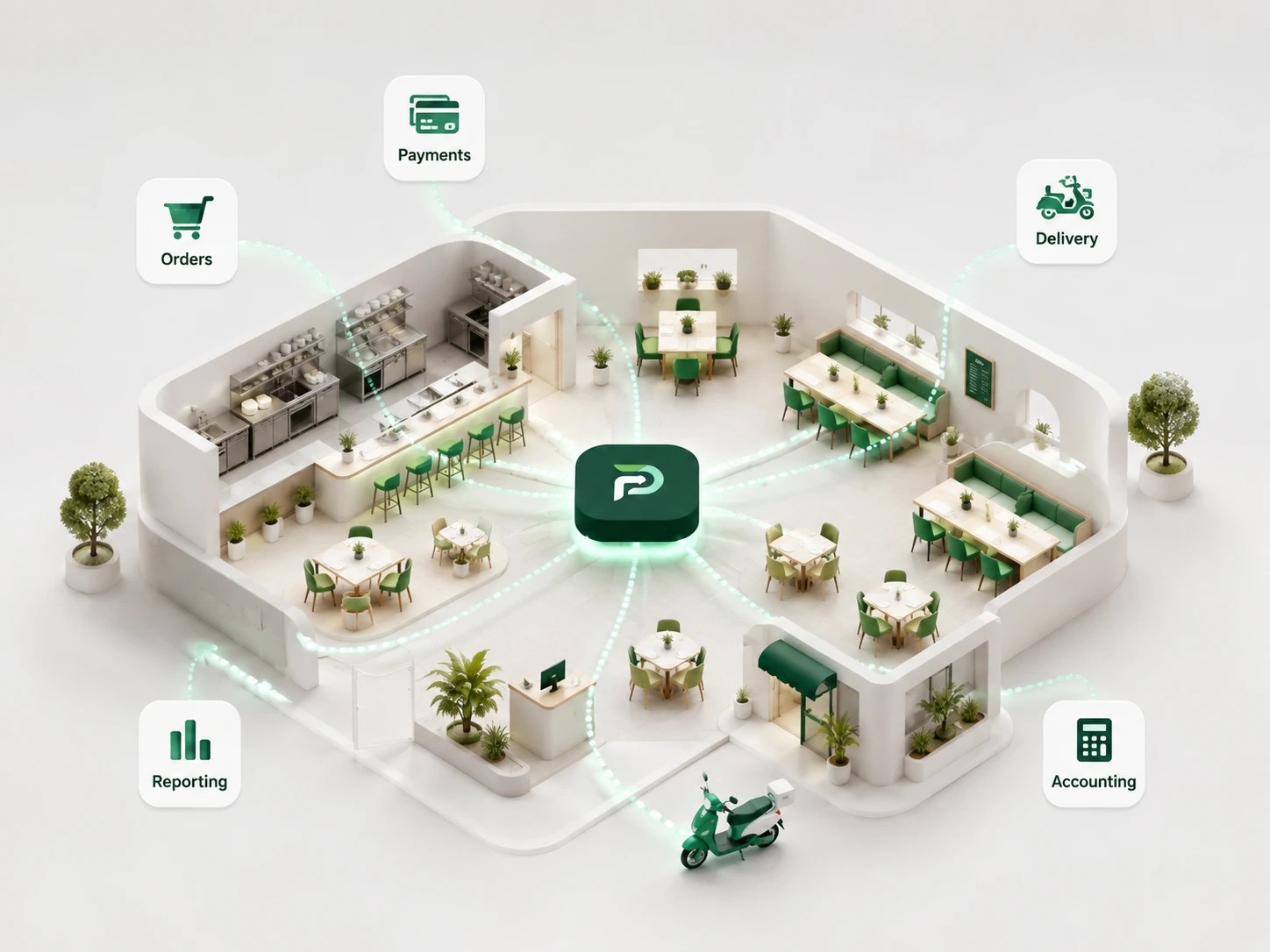
A useful integration removes re-entry or missing context. It should not move data simply because a connection is technically possible.
Bring supported order, sales, menu or table data into the PayMyDine operating picture without asking staff to enter the same information again.
Pass or align the available reporting fields needed by the finance workflow, subject to the connected system and permissions.
Keep supported delivery orders distinguishable by channel while including them in the wider workload and sales picture.
Connect supported payment status and settlement context to the table and guest checkout journey.
Ownership can review location performance and shared standards without turning every site into the same floor plan, service model or team structure.
Document the source, direction, refresh timing, permission and responsible role for each data field before implementation.

Where the connected systems provide the data, owners can compare location results, understand food-cost movement and trace a business number back to its operating source.
A named provider does not guarantee every field or workflow. Scope depends on available interfaces, permissions and the agreed data path.
POS, accounting, delivery and payment connections form the current integration categories.
Central owner view, shared menus, central reporting, inventory, food cost and purchasing support group operations.
The current product data names SumUp, ready2order, Lightspeed and Square, subject to interface and project scope.
Discovery, field mapping, access, testing and monitoring create a practical integration path.
Start with the business action or reporting need, then decide whether and how data should move.
Document which system owns orders, menus, payments, accounting, stock or location data today.
List the exact fields required, whether data moves into or out of PayMyDine and which role uses the result.
Review the provider interface, authentication, permissions, rate limits and status detail actually available.
Validate normal records, updates, failures and duplicates against agreed examples before go-live.
Track freshness, failed transfers and reconciliation exceptions before expanding the connector scope.
A connector should remove a real manual step or close a data gap for a named role.
Owns authentication, field mapping, test cases, error handling and technical provider communication.
Uses connected orders, menu, table or delivery context without re-entering the same information.
Reviews payment, accounting and reconciliation fields with a clear source-of-truth decision.
Compares locations, shared standards, inventory and reporting while retaining local context.
Targets should be agreed per provider and workflow because not every interface supports the same refresh or error detail.
Track successful records against attempted transfers for the agreed data objects and period.
Measure the delay between the source event and its usable appearance in the destination workflow.
Count missing, duplicate or mismatched records that require investigation by operations or finance.
Baseline the staff time spent copying or reconciling data before and after the integration is introduced.
The contract should explain the source, destination, ownership, refresh expectation and failure process for each field group.
The exact answer can depend on the restaurant setup, selected modules and connected systems.
The current product data names SumUp, ready2order, Lightspeed and Square. Exact capability still depends on the available interface and agreed project scope.
No. The integration strategy can keep the existing POS as a source of truth while adding selected PayMyDine workflows and views.
No. Freshness depends on the provider interface, permissions, polling or event options and deployment design.
No complete inventory or food-cost picture can be produced without the required item, stock, purchase and cost inputs.
Tell us the system, data fields, direction, refresh requirement and role that needs the result. We will define the practical integration scope around that workflow.