 PayMyDine
Nine modules. Your restaurant, connected.
Choose the workflow you want to improve. Add more modules as you need them.

Choose the job. Find the right module.
Every module has a clear job. The data stays connected.
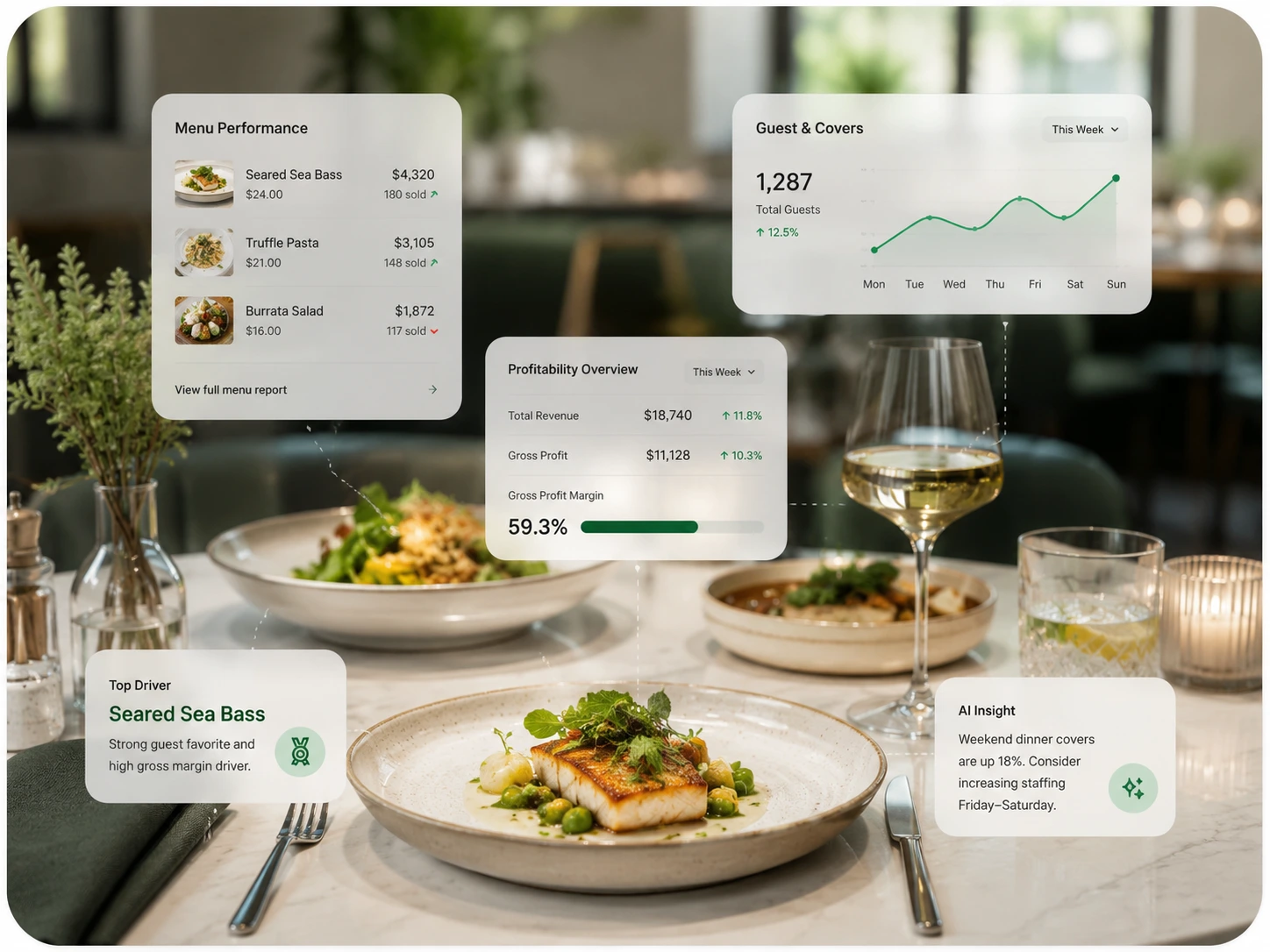
PayMyDine AI
Ask about sales, spot unusual changes and review forecasts with AI.
See actions and metrics
Restaurant Operations
See live tables, orders and service status in one place.
See actions and metrics
Reservations & Table Management
Manage bookings, walk-ins, availability and table assignments.
See actions and metrics
Ordering, Kitchen & Menu
Connect orders, kitchen tickets and menu availability.
See actions and metrics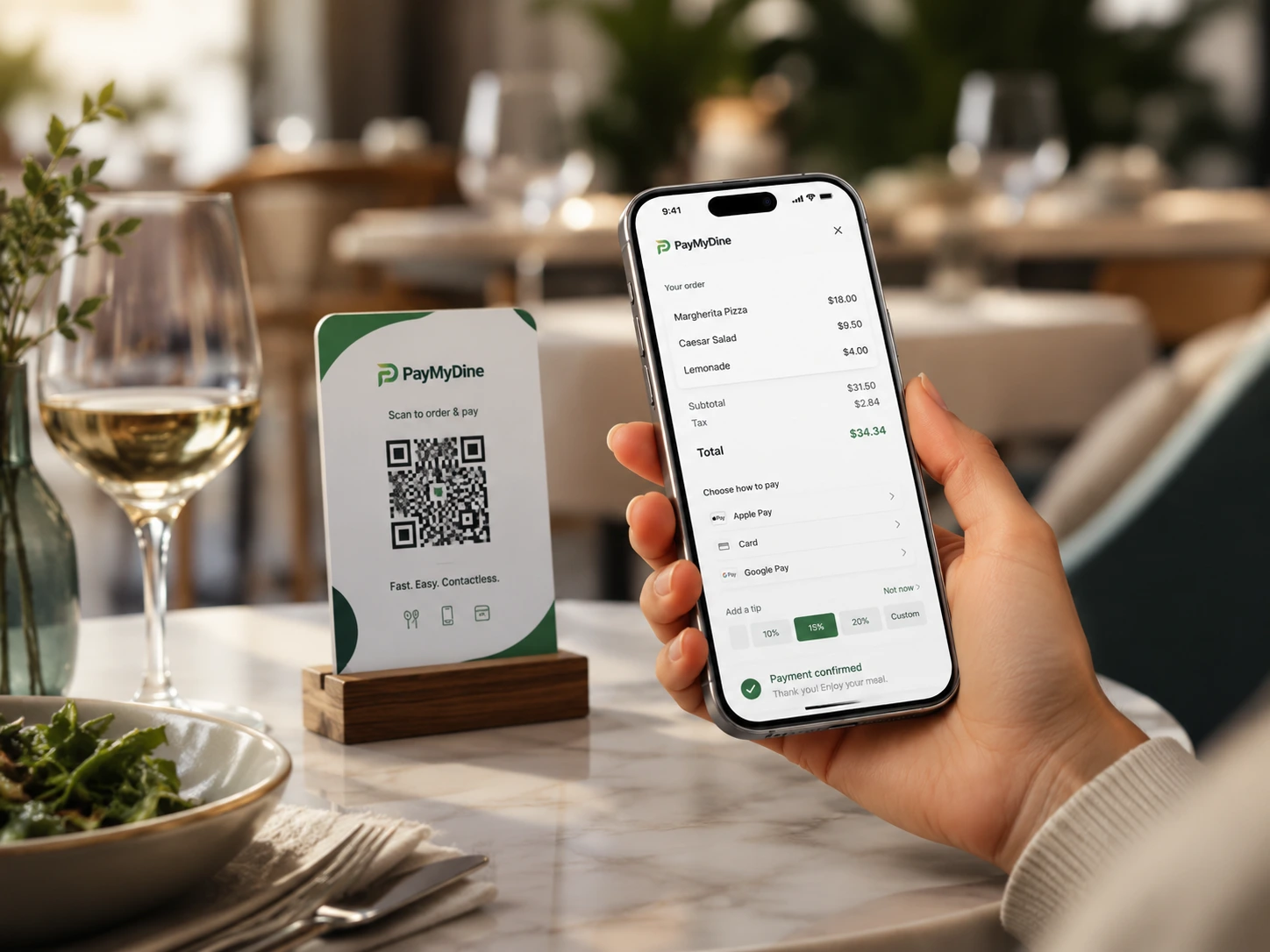
Payments & Guest Ordering
Let guests order, pay at the table and split bills three ways.
See actions and metrics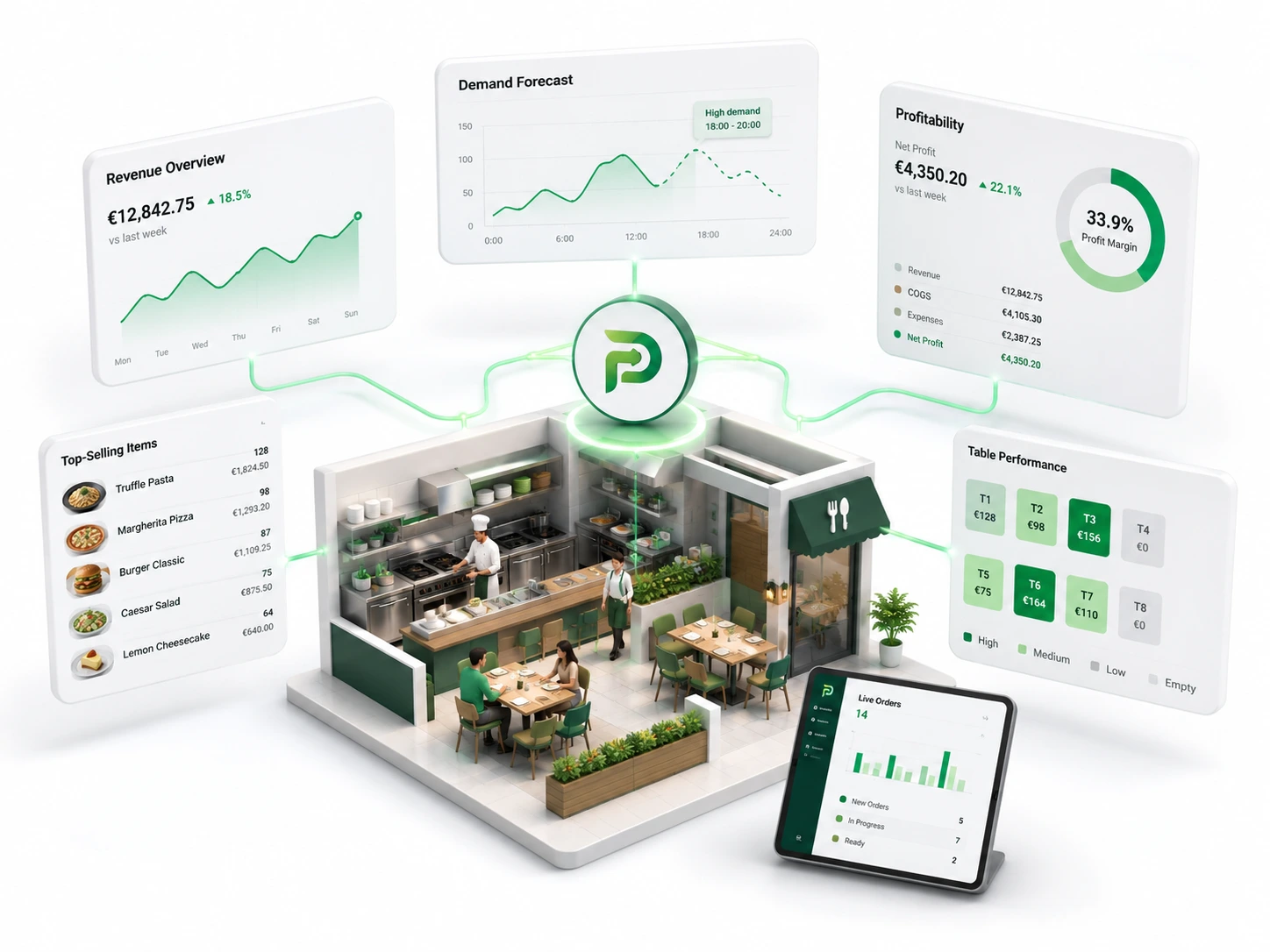
Analytics, Forecasting & Profitability
Track sales, guest demand, table turnover and profitability.
See actions and metrics
Team Management
Manage staff roles, permissions, shifts and activity.
See actions and metrics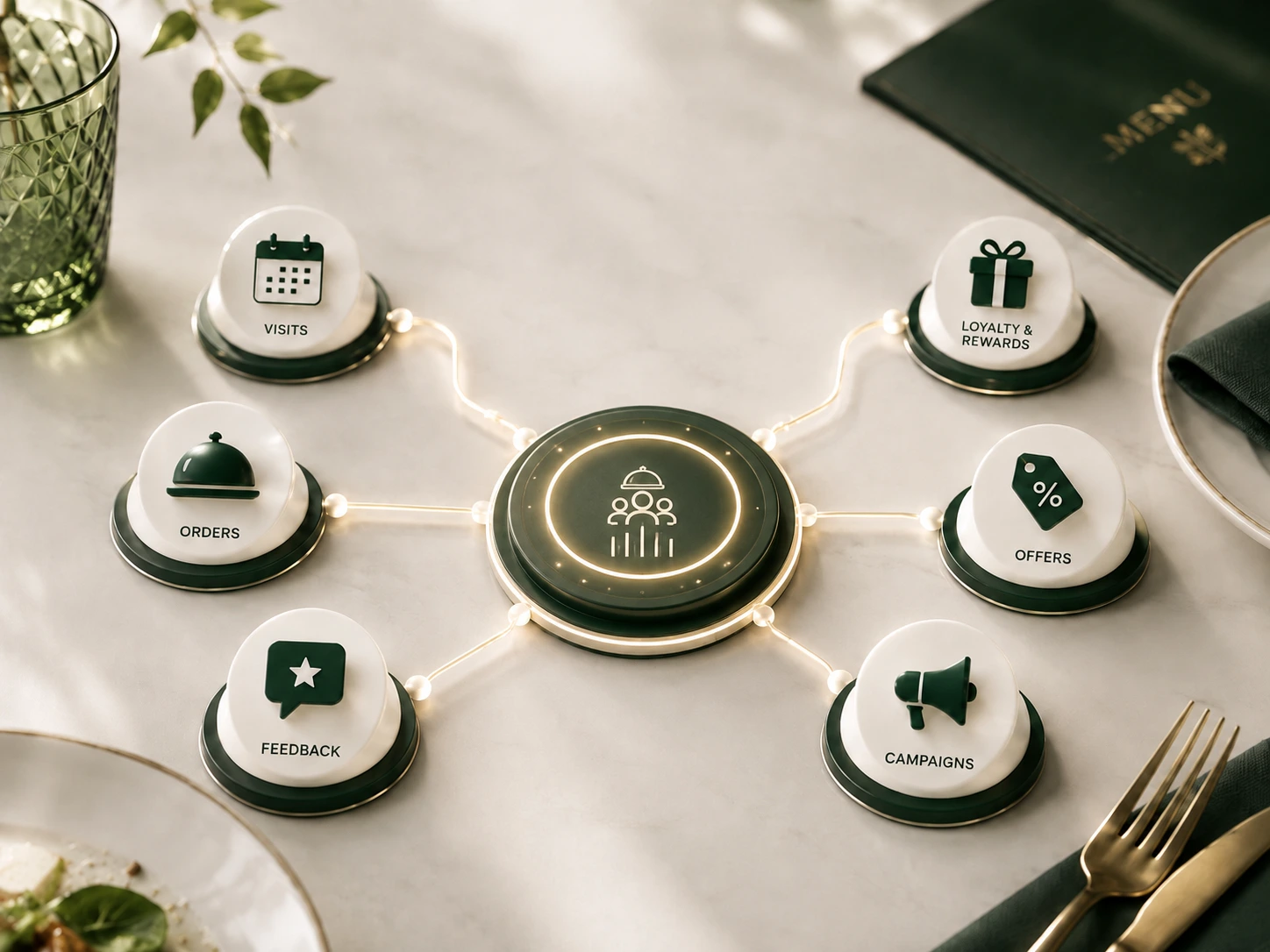
Guest CRM, Marketing & Growth
Build guest profiles, loyalty offers and relevant campaigns.
See actions and metrics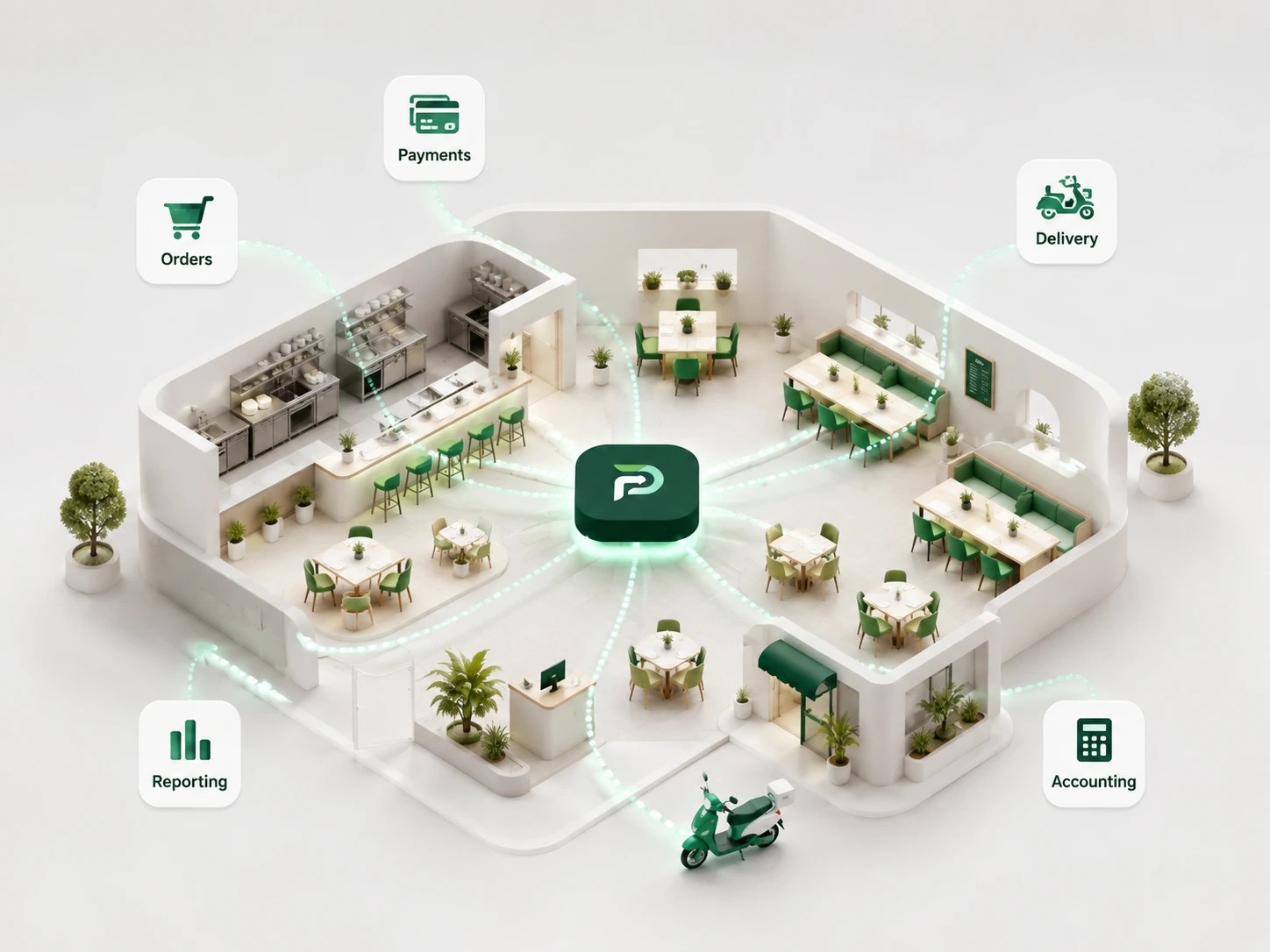
Integrations, Multi-location & Inventory
Connect supported POS, payments and delivery data with reporting.
See actions and metricsOne shared view of the guest journey.
Less re-entry. Clear tasks for every team.
Find your ideal PayMyDine setup.
Keep the systems that work. Connect the modules you need.